EPOS basics
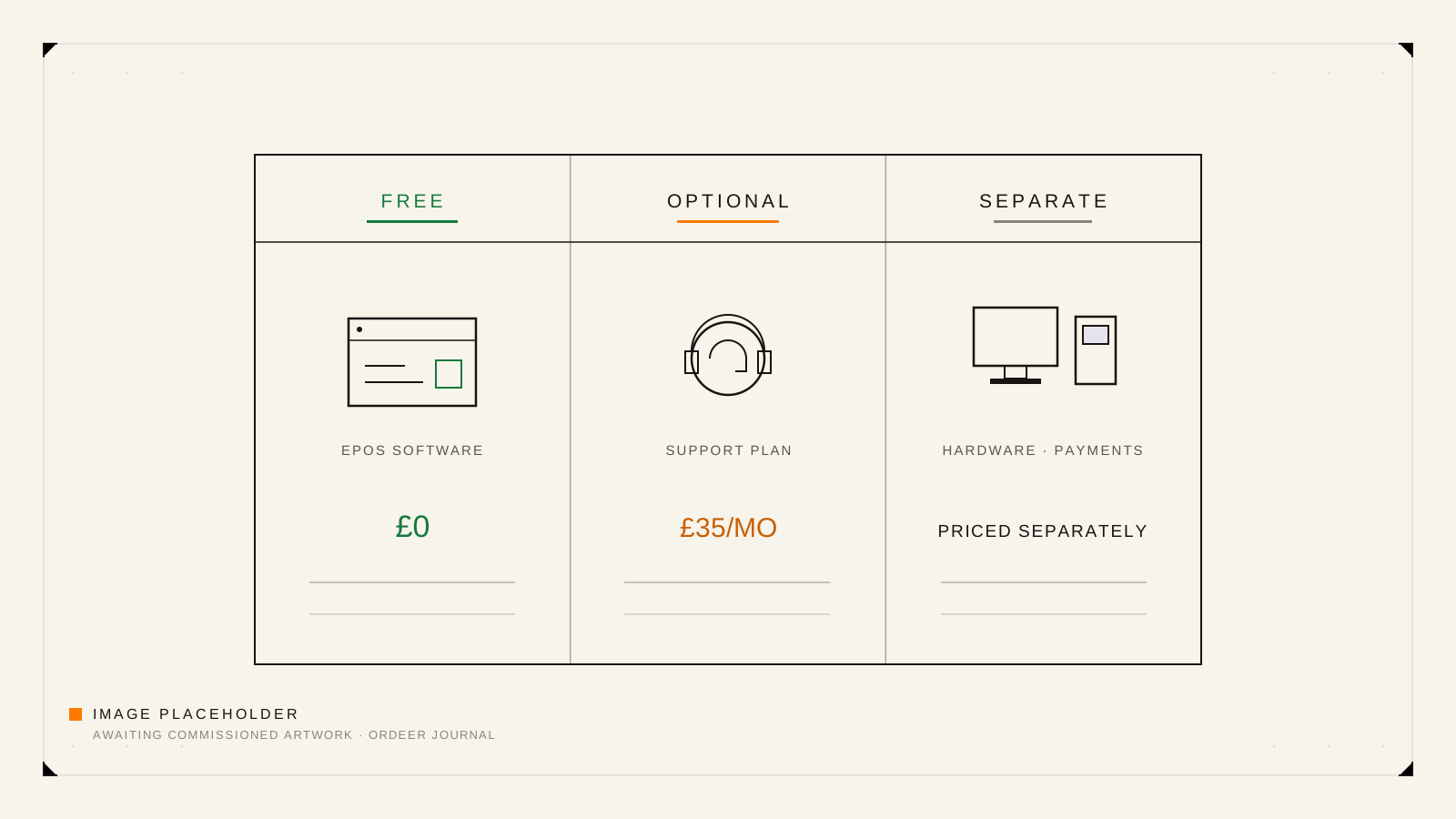
Free EPOS Software Explained: What Is Included and What May Cost Extra
Free should describe the software licence, not the whole setup. Here is how to read a free EPOS offer, what may cost extra, and how Ordeer's model works.
5 min read
Every till decision starts with the same handful of questions: what an EPOS system actually does, which parts are software and which are hardware, what “free” does and does not cover, and how to compare systems without drowning in feature lists. This cluster answers those questions in plain English for UK hospitality and retail businesses. Start with the pillar guide to what an EPOS system is, use the restaurant checklist when you are comparing options for table service, and read the free-software explainer before you sign anything that mentions £0. The guides describe how modern point-of-sale systems work in general, and where they describe Ordeer specifically they say so and stick to what the product verifiably does today.
EPOS basics
Free should describe the software licence, not the whole setup. Here is how to read a free EPOS offer, what may cost extra, and how Ordeer's model works.
5 min read
EPOS basics
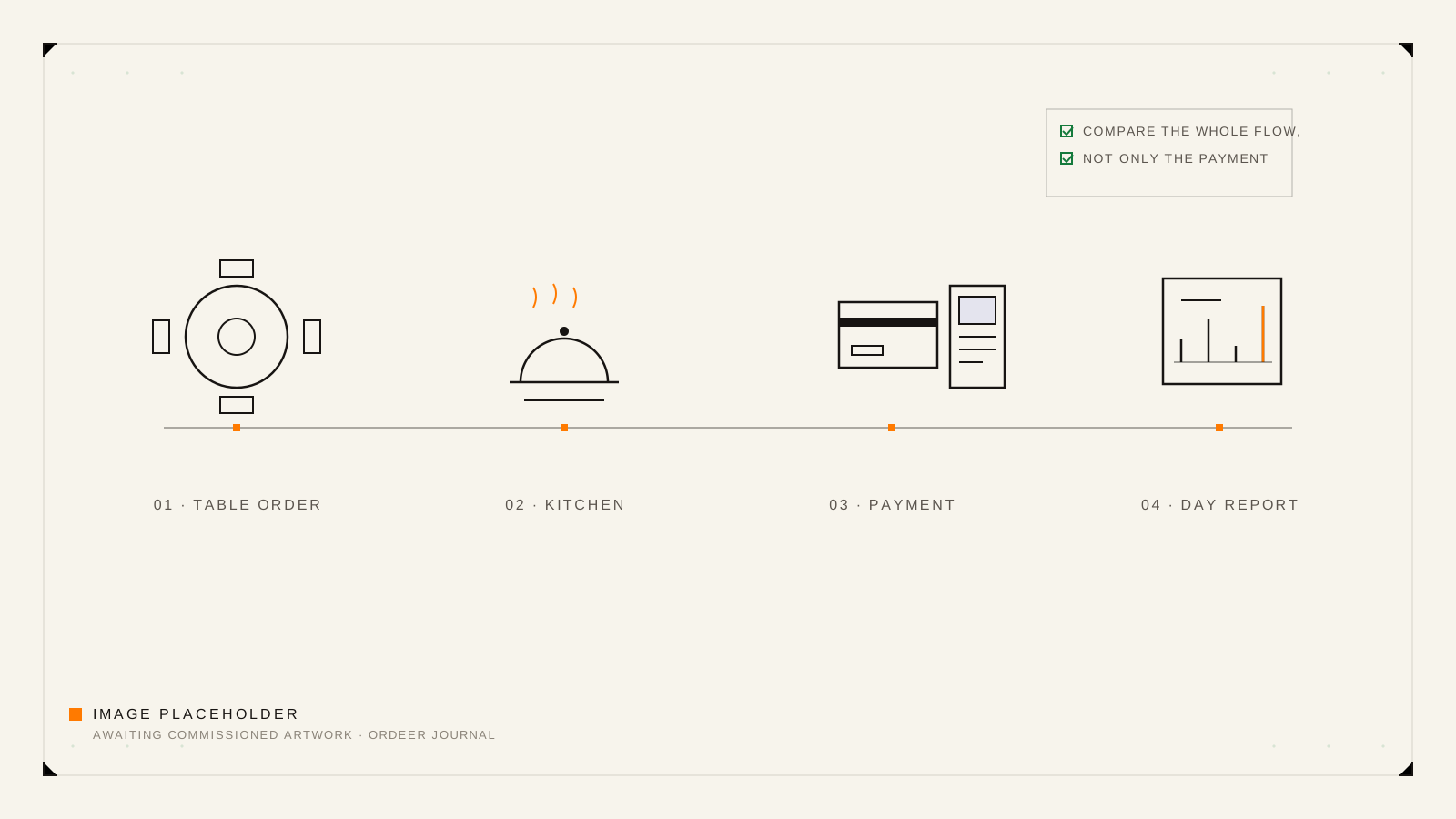
Compare restaurant EPOS systems against your real service flow, not a feature list: front of house, menu, kitchen, bills, reporting, hardware and total cost.
5 min read
EPOS basics
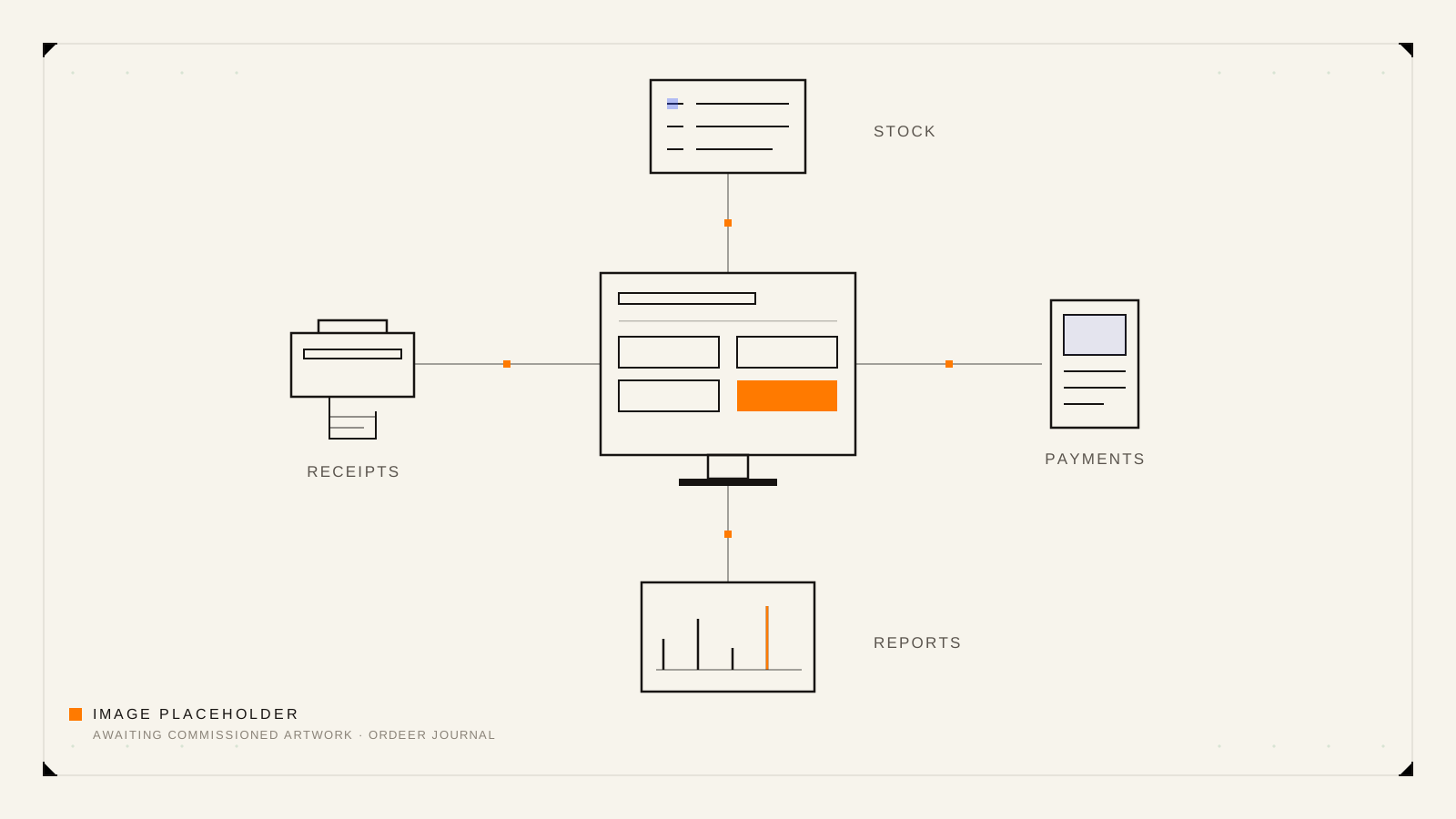
A plain-English explanation of EPOS software, hardware, payments, stock and reporting, and the questions worth asking before you commit to a system.
7 min read