Skip to content
Ordeer POSGet FREE EPOS

Ordeer for retail

Built for the way you sell.

One system for the counter, the shelf and the numbers. Ordeer is full-featured EPOS software for shops and retail businesses, free forever.

Full software · £0 licence · Hardware separate

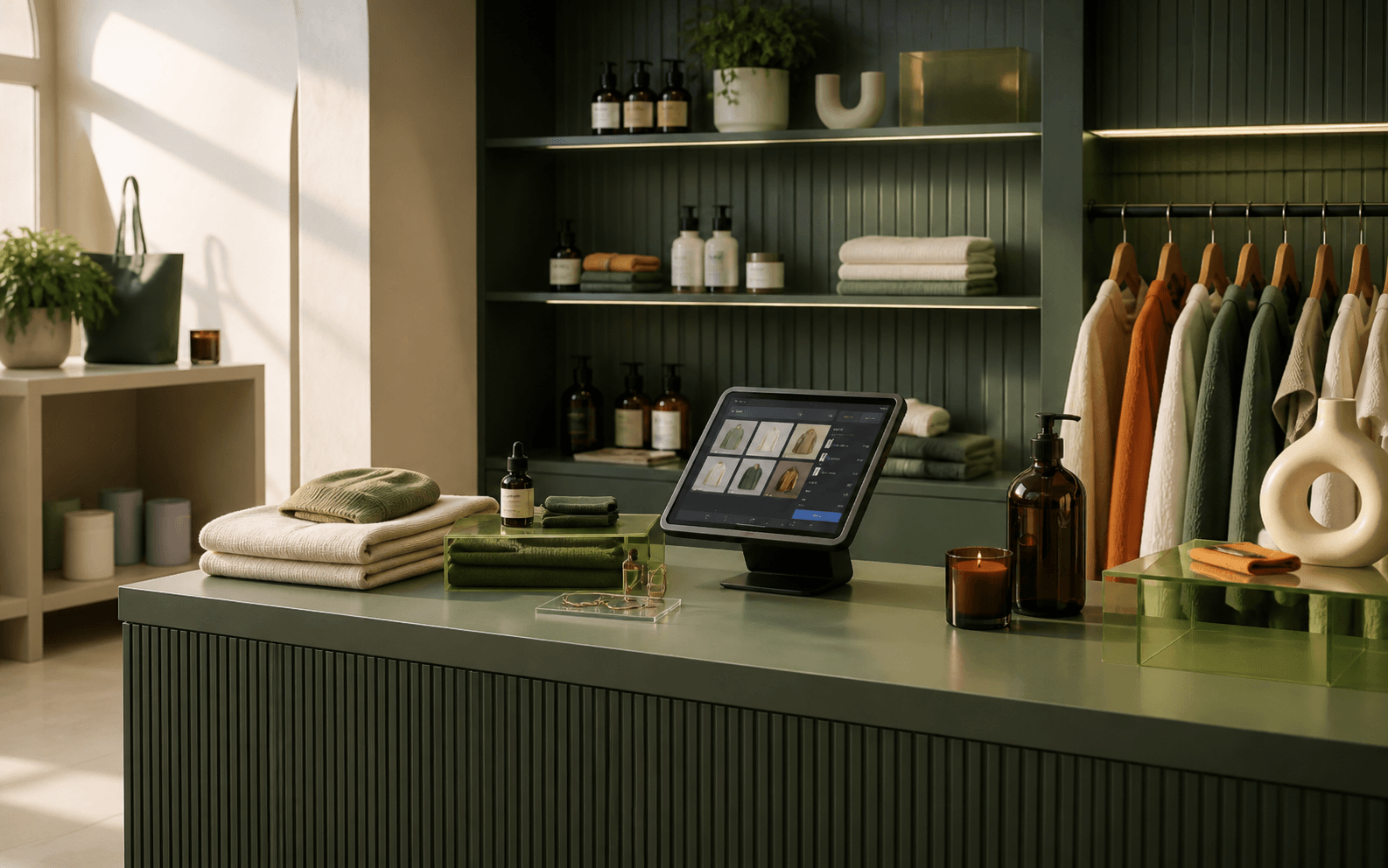
A premium green-led retail shop with fashion, beauty and homeware products arranged around a compact point-of-sale display.

Built for

Independent shopsBoutiquesConvenience storesCounter serviceOnline selling

What is a retail POS system?

A retail POS brings selling, products, stock, payments, customers and reporting into one connected system: less time managing separate tools, more time running the shop.

Retail

A whole shop, running as one system.

Eight parts of a trading day, from the first sale to the numbers at close. This is how Ordeer keeps a retail business moving.

01Built for retail

CounterShelfOnline

Retail is the whole point.

Ordeer is shaped around the way shops actually trade: quick counter sales, a catalogue that keeps changing, stock on the move and customers who expect it all to just work.

  • Any kind of shop

    Independents, boutiques and convenience stores run on the same system.

  • One connected till

    Sales, products, stock and reports all work from the same numbers.

  • Quick to learn

    Clear screens and simple flows that new staff pick up in a shift.
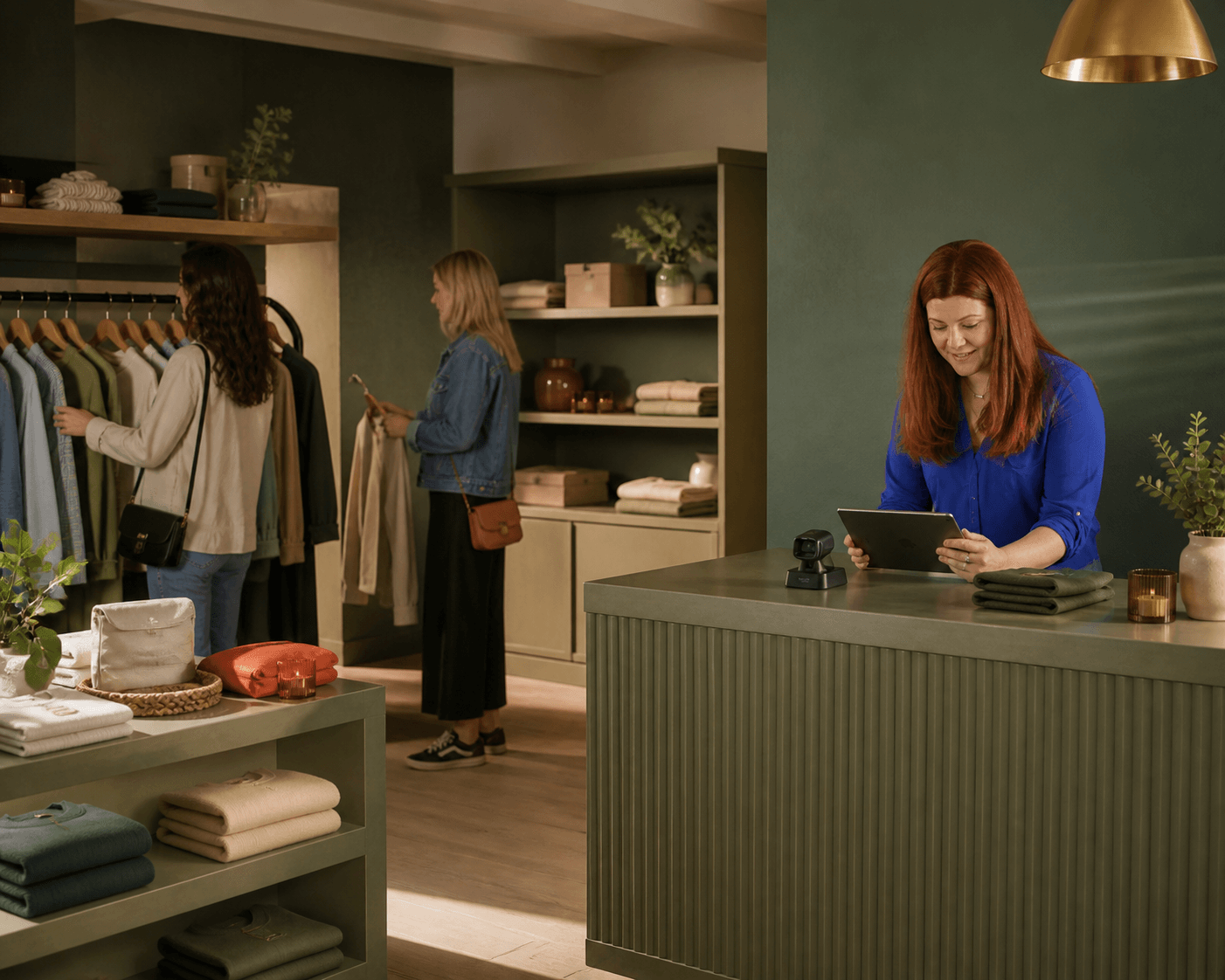
Customers browse a green-led independent boutique while a member of staff works at the counter.

02The counter

CheckoutSearchPayments

Checkout, kept moving.

The queue is where a shop wins or loses its morning. Find any product in a couple of taps, build the basket, take cash or card and move on to the next customer.

  • The catalogue at hand

    Item search and clear categories put any product a tap away.

  • Baskets built fast

    Quantities, discounts and receipts handled at the counter.

  • Cash or card

    Payments taken through our payment partners, without re-keying.

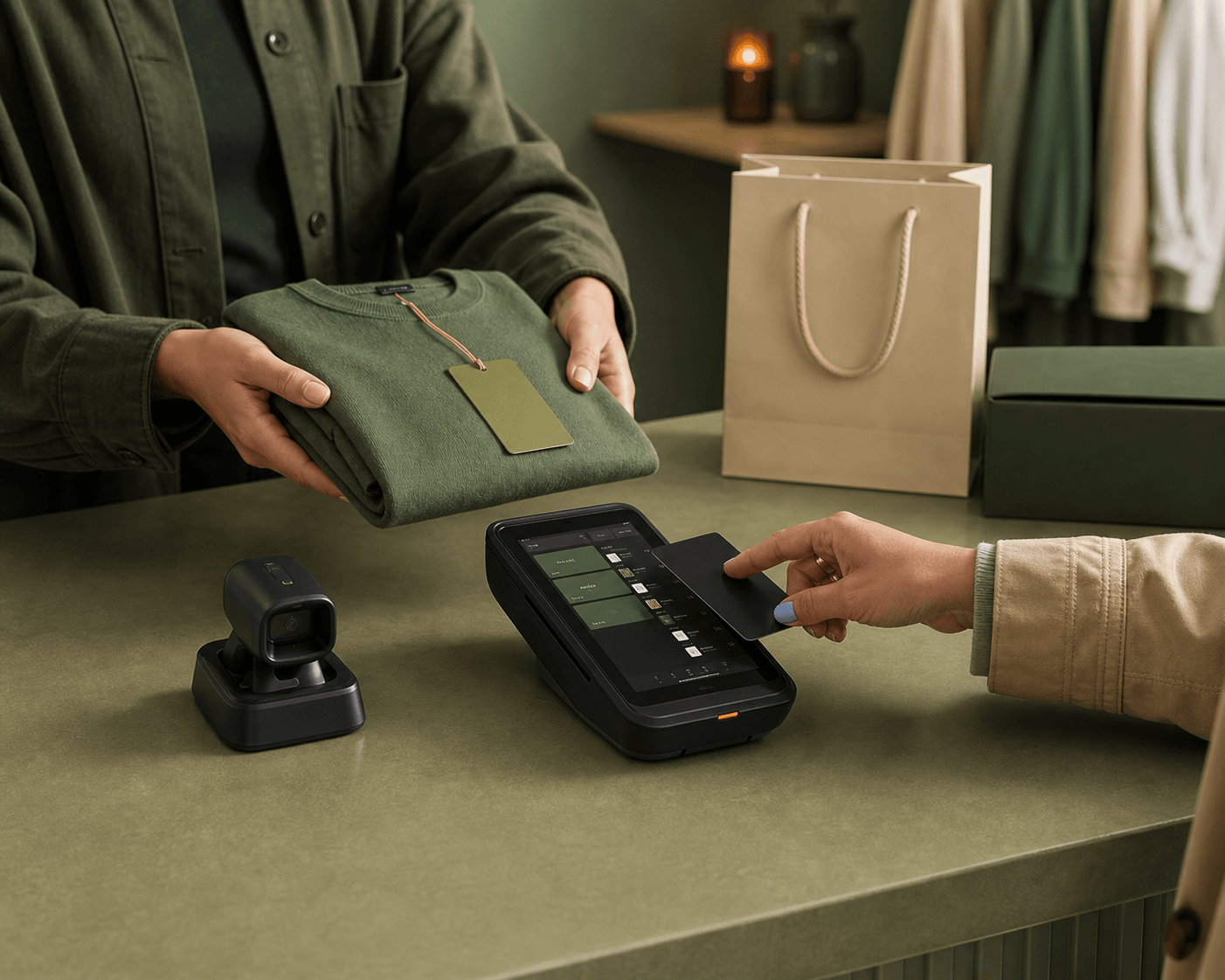
A customer taps a card at a retail checkout beside a folded green garment, scanner and point-of-sale screen.

03The stock

InventoryLevelsAlerts

Stock you can actually see.

What is on the shelf, what is in the back and what is about to run out: stock moves with every sale, so the numbers match the shop without a weekly count.

  • Levels that follow sales

    Every sale moves stock, so levels stay honest through the day.

  • Low stock, flagged early

    Running low shows up before the shelf goes empty.

  • Fewer surprises

    See what needs reordering before the weekend, not after it.

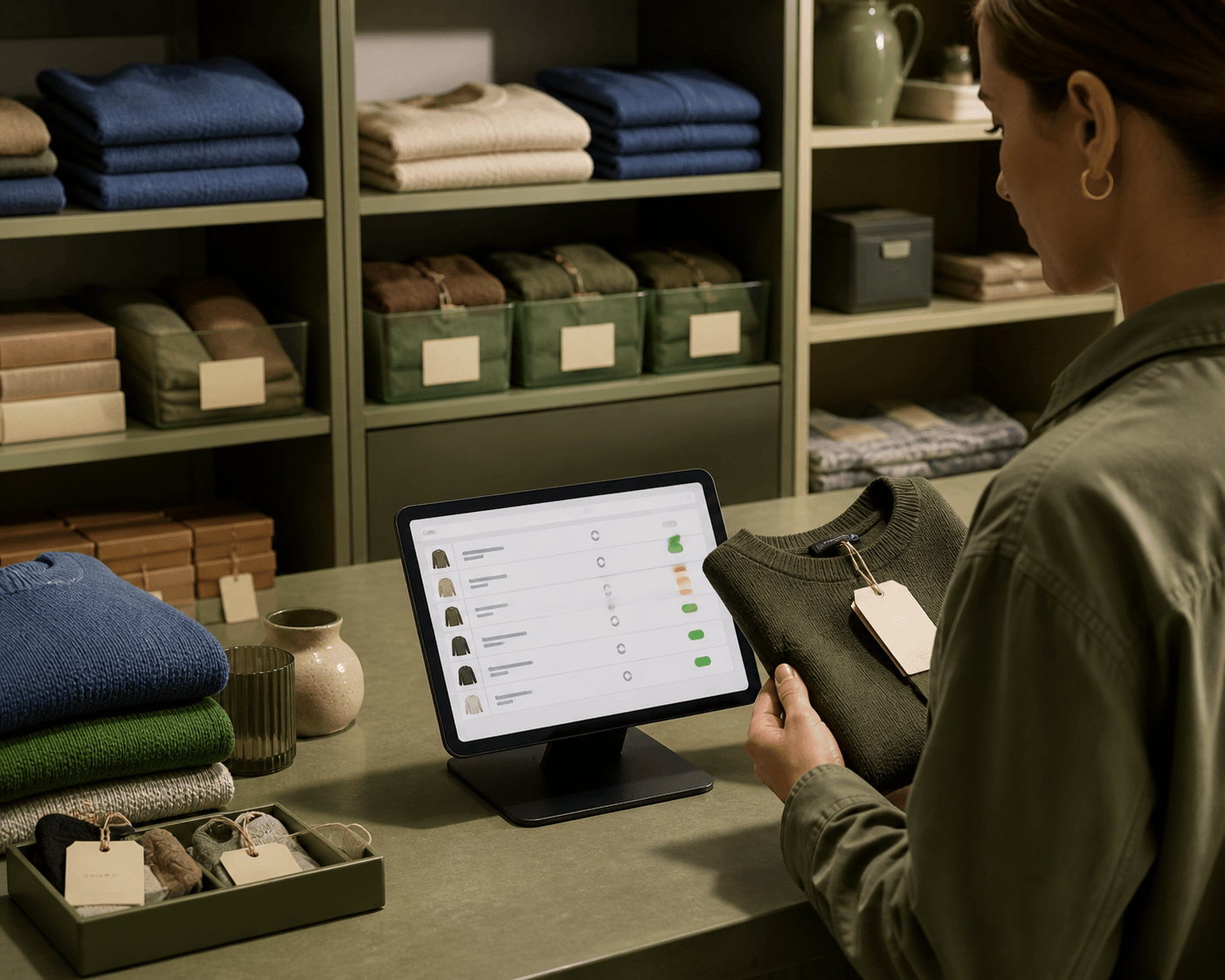
A shop worker checks a green sweater against an inventory list on a tablet in an organised stockroom.

04The catalogue

ProductsPricingChanges

A catalogue that keeps up.

Products change: new lines arrive, prices move, seasons turn. Keep the catalogue organised and the till accurate without giving up an afternoon to admin.

  • Easy to organise

    Products and categories arranged the way your shop thinks.

  • Prices in step

    Change a price once and the till sells at it straight away.

  • Discounts, handled

    Offers and discounts applied cleanly at the counter.

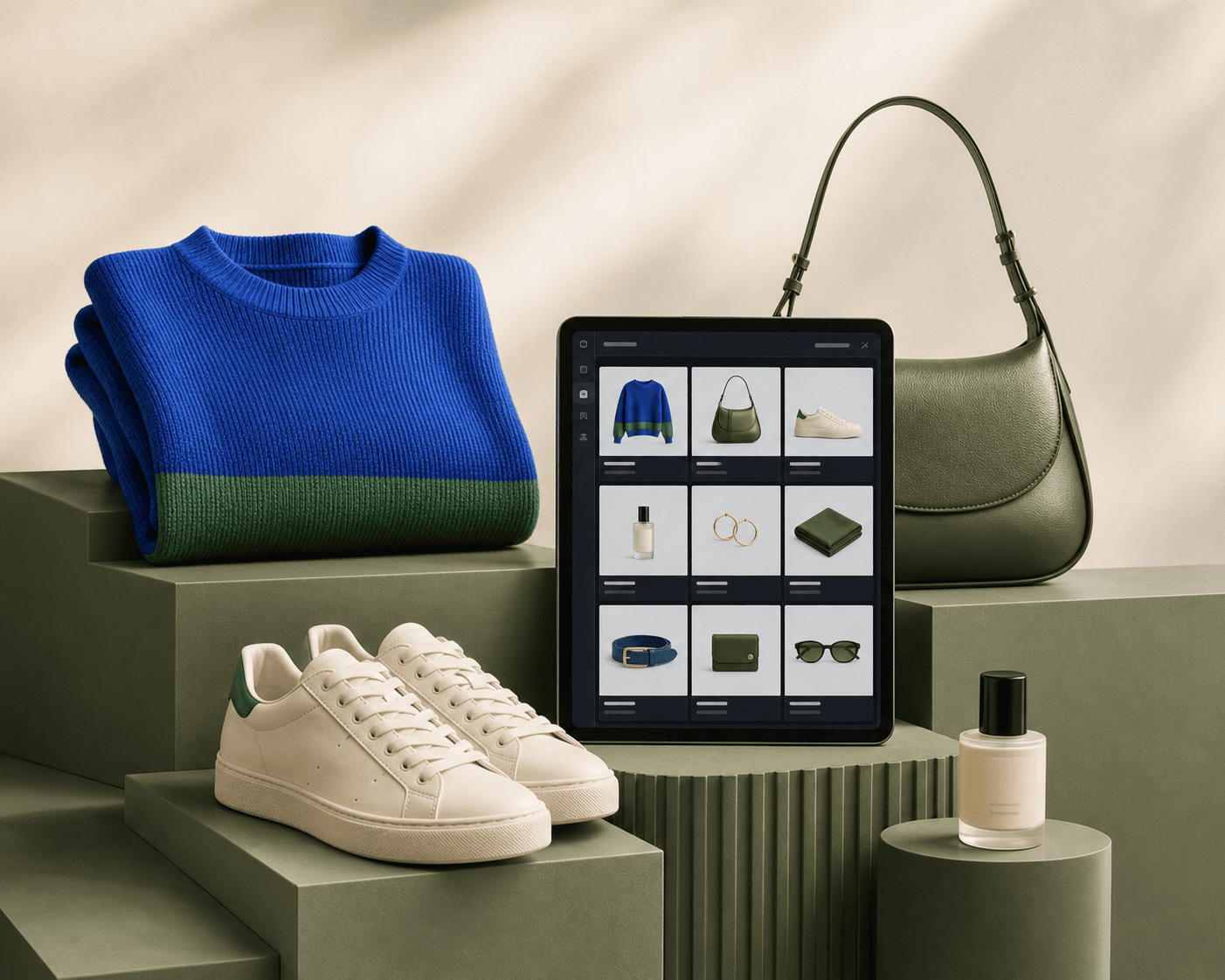
Fashion, footwear, beauty and accessories are arranged around a tablet showing a clean retail product catalogue.

05Beyond the counter

In storeOnlineConnected

In store. Online. Still your shop.

Shops sell at the counter; plenty sell online too. Ordeer supports both through an ecommerce experience that sits alongside the till, so every sale stays part of one business.

  • Sell online

    Products can be sold through an online store alongside the counter.

  • Orders in one place

    Online orders arrive into the same system as the shop's sales.

  • One set of numbers

    In store or online, the day's trade reads as one business.

Explore Integrations & AI Automation

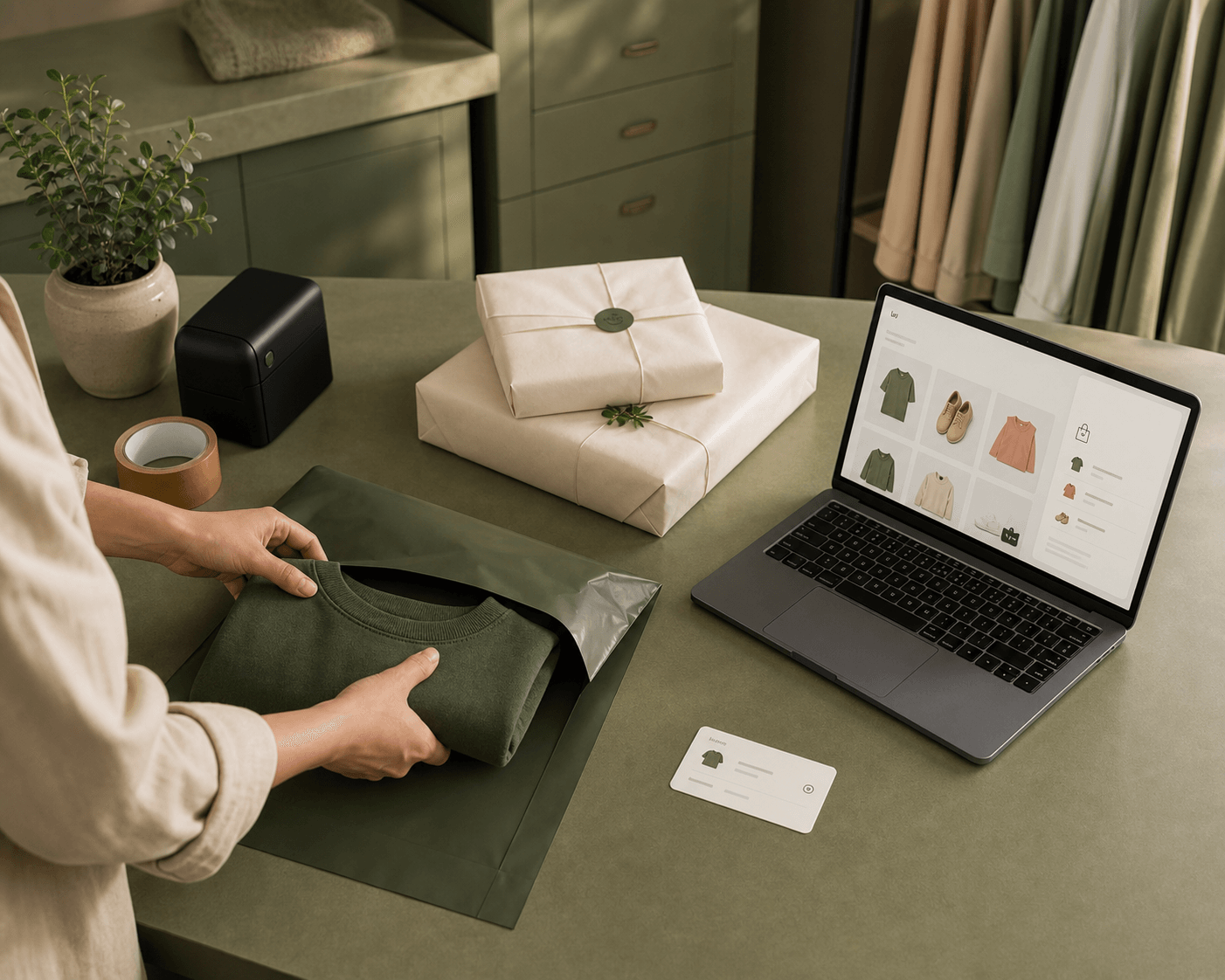
An online retail order is packed at a workbench beside a laptop storefront, parcels and a green mailer.

06The team

StaffCustomersTraining

Less software to fight with.

A till the whole team can run: experienced staff, Saturday staff and whoever is covering the shift. Less time explaining software, more time looking after the person at the counter.

  • Learned in a shift

    Clear screens and simple flows keep training short.

  • The same till for everyone

    The counter works the same way whoever is on it.

  • Customers kept moving

    Quick service at the counter, whatever the queue looks like.

A retail assistant hands a green shopping bag to a customer across a boutique counter.

07Insight

SalesProductsReports

See what is selling.

The day's sales, the week's pattern and the products doing the work: reporting that answers the questions a shop actually asks, without exporting anything anywhere.

  • The day at a glance

    Sales, takings and items sold, clear through the day.

  • Product performance

    What sells, what sits and what deserves the window.

  • Period summaries

    Days, weeks and months, ready to compare.

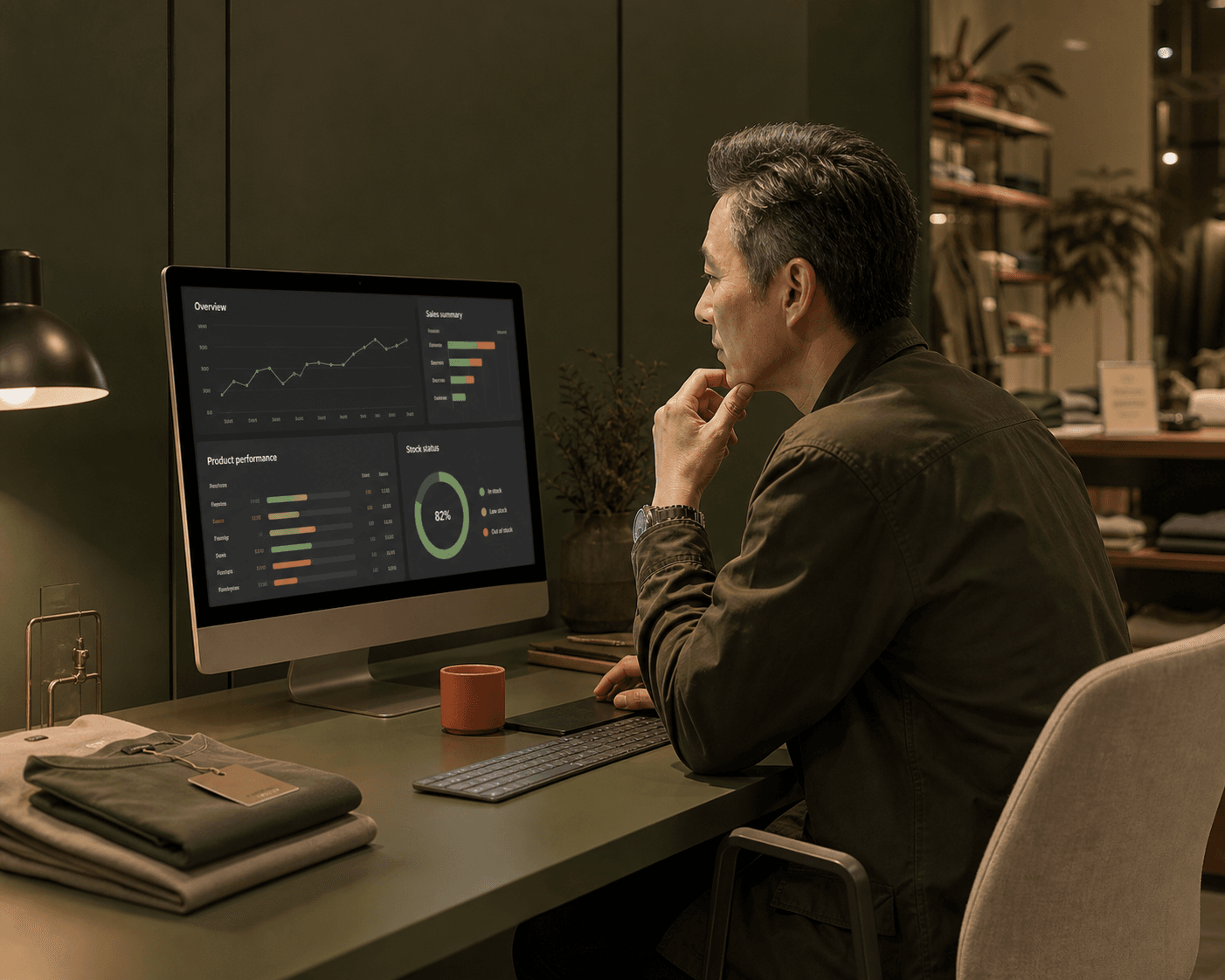
A shop manager reviews sales, product and stock figures on one reporting screen after closing time.

08The shop

CounterShelfCustomers

Technology in the background. Retail in the foreground.

The point of a shop is the shop: the products, the people and the way it feels to buy there. Ordeer handles the rest quietly, so the till never becomes the story.

  • Less admin

    The routine work of products, stock and reports, in one place.

  • Confidence at the counter

    Every sale, payment and receipt where it should be.

  • Room to grow

    Start with one till and add what the shop needs, when it needs it.

Retail staff help customers in a busy independent boutique while the checkout technology remains in the background.

Retail

Less admin for your team. A smoother sale for every customer.

Ordeer keeps the everyday work of selling: products, stock and the numbers, in one system, so the shop runs on selling rather than software.

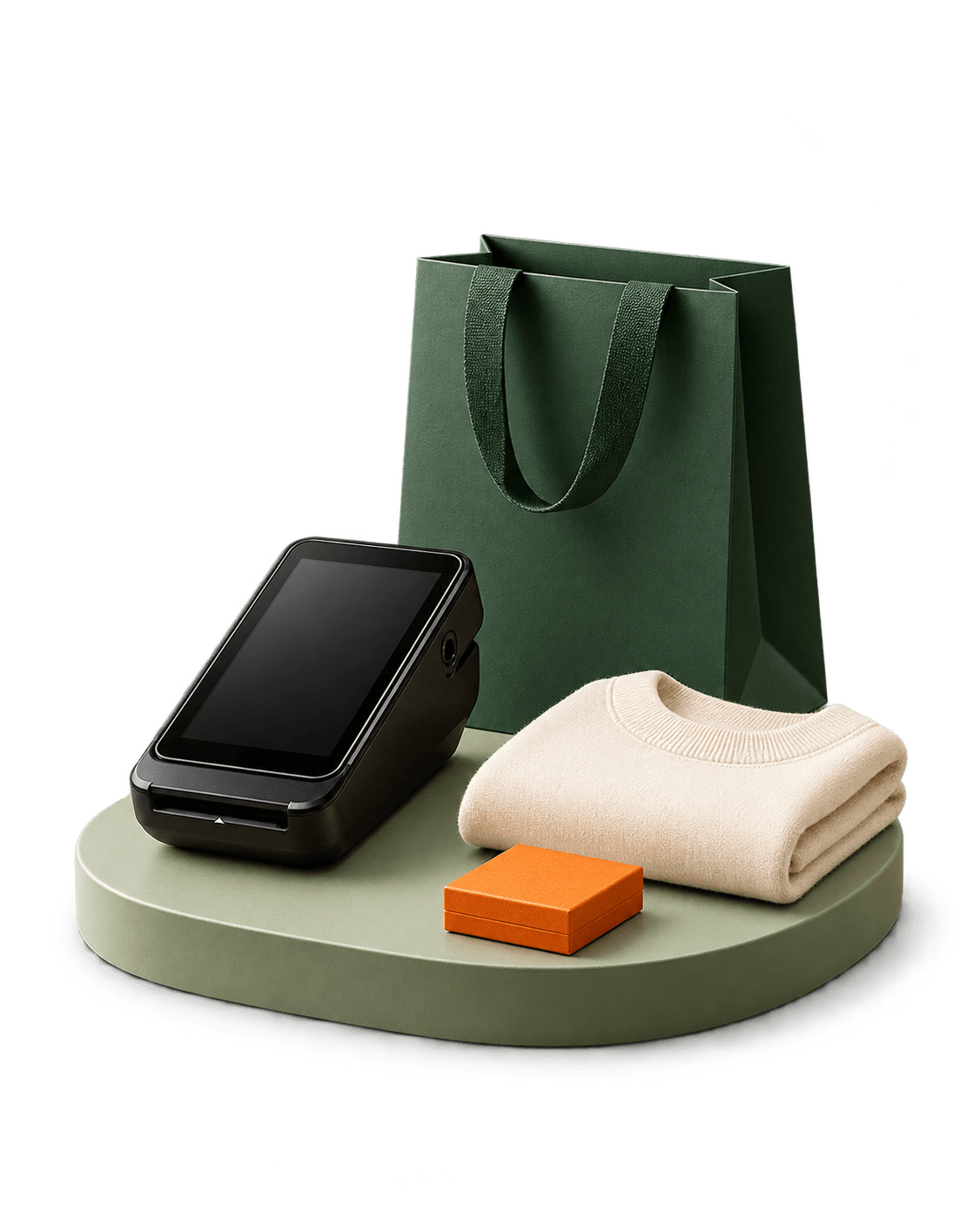
A compact retail checkout composition with products and a point-of-sale display.

Sell faster every day

Keep common retail actions clear and quick at the till.

  • Fast checkout and item search
  • Clear categories and pricing
  • Cash and card workflows
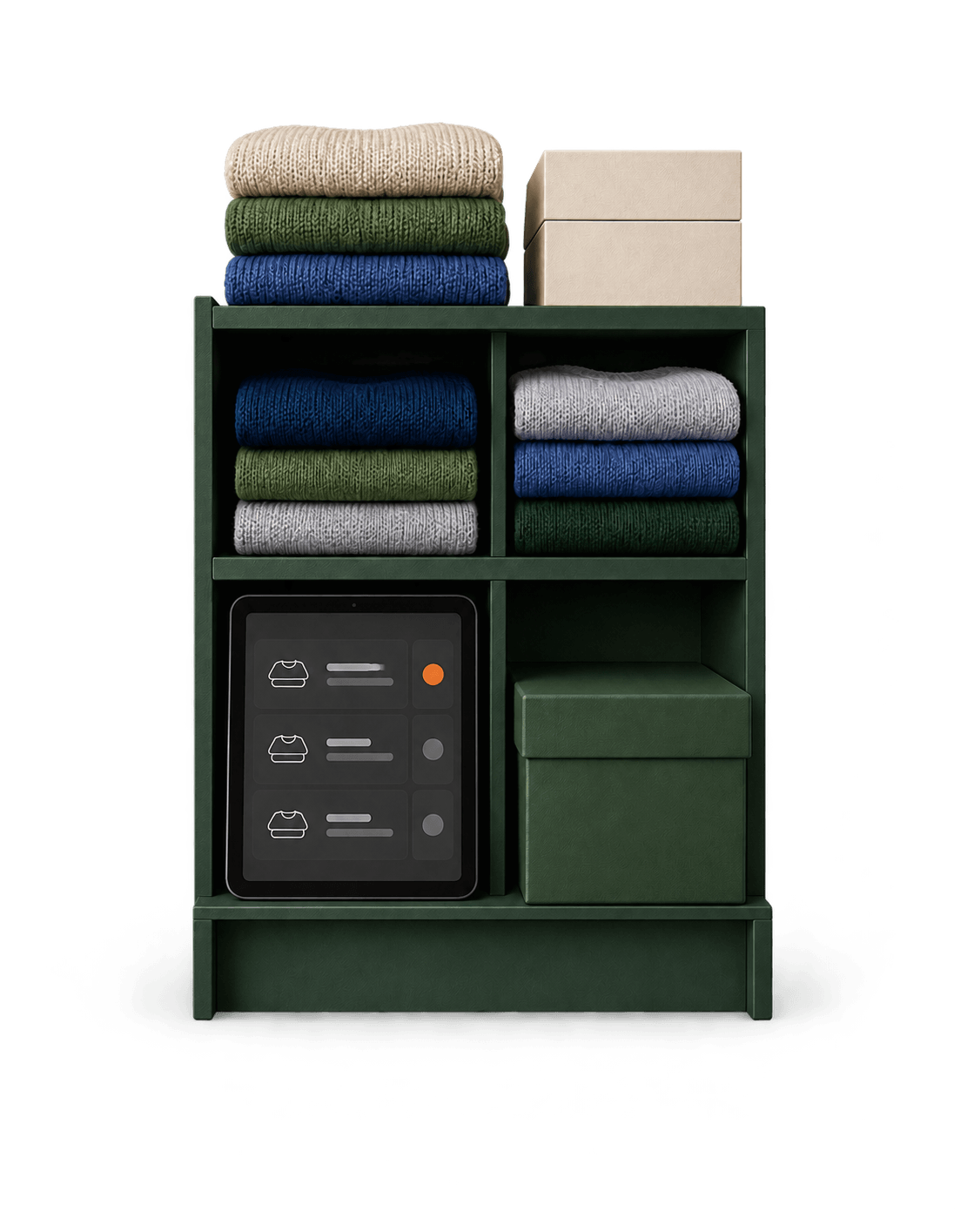
Green retail shelving with knitwear, stock boxes and an inventory tablet.

Better stock visibility

Keep product and inventory information closer to the sale.

  • Product catalogue in one place
  • Stock moves with every sale
  • Low stock flagged early
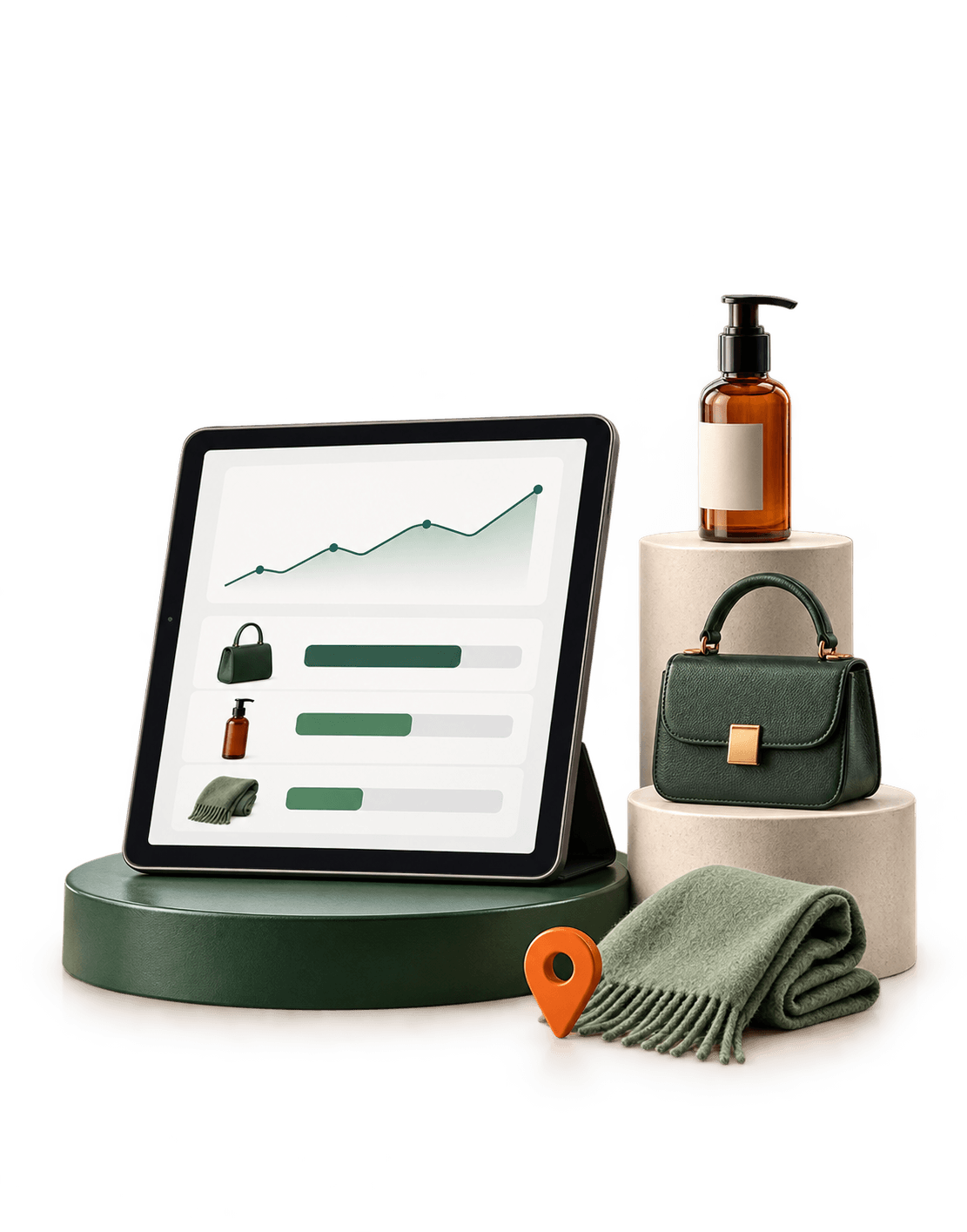
A reporting tablet arranged with a retail bag, product and green display plinths.

Clearer business visibility

See sales and product performance without digging through tools.

  • Daily and period summaries
  • Product performance in view
  • One view of the day's trade
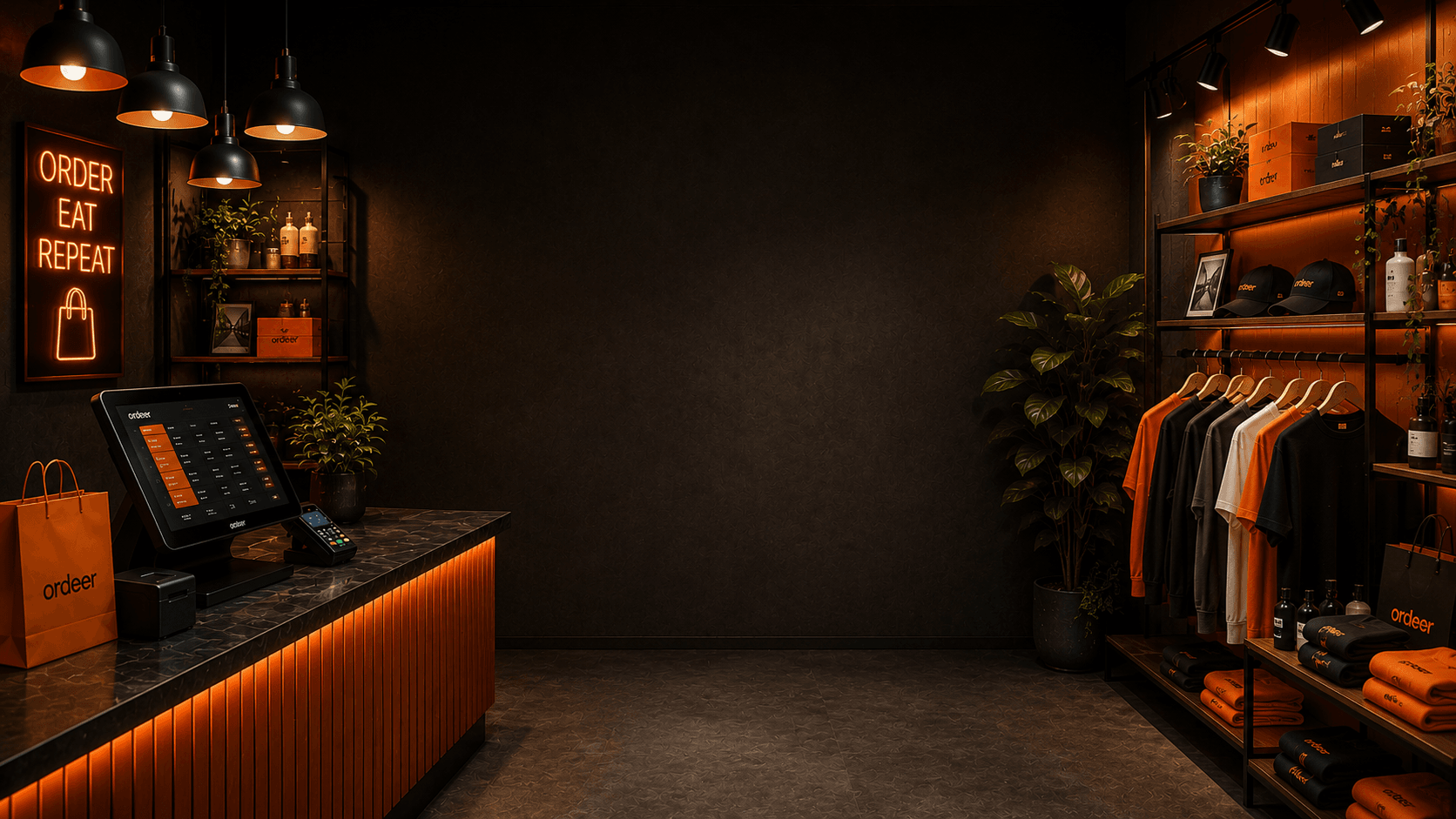
A dark Ordeer-liveried shop at night: the till and card terminal on the counter to the left, and lit shelving of branded clothing and goods to the right.

Your shop, your way

Let's build yourretail EPOS.

Start with the full software, free. Add hardware, payments and support when you need them.

Let's build your
Ordeer EPOS.

Tell us a little about your business and how you'd like to use Ordeer, and we'll come back to you.

  • SoftwareFree forever
  • SupportOptional · £35 a month
  • HardwarePurchased separately