What Is an EPOS System? A Practical Guide for UK Businesses
A plain-English explanation of EPOS software, hardware, payments, stock and reporting, and the questions worth asking before you commit to a system.
Ordeer Editorial TeamChecked by the Ordeer Product Team7 min read
On this page
- EPOS, in plain English
- How an EPOS system works, from sale to report
- The parts: software, hardware, payments and connectivity
- Common features for hospitality and retail
- Cloud EPOS versus older local systems
- What an EPOS system can and cannot replace
- A practical buying checklist
- Questions to ask a provider
- Frequently asked questions
- Where Ordeer fits
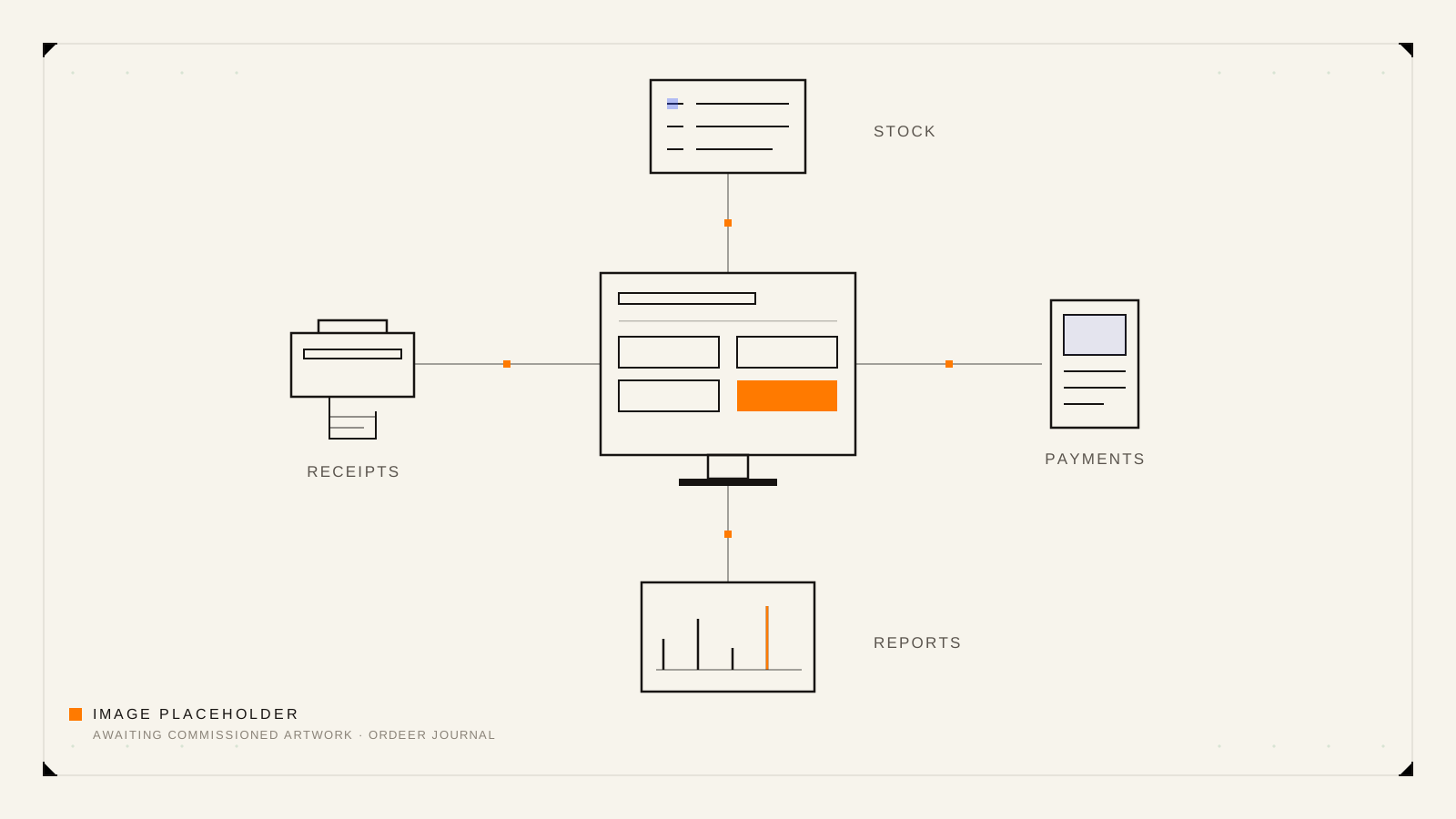
An EPOS system combines point-of-sale software with the hardware and payment tools a business uses to take orders, record sales and understand what happened during the day. Depending on the setup, it can also connect stock, staff activity, reporting, online orders and customer receipts.
That is the whole idea in one paragraph. The rest of this guide unpacks it: what each part of an EPOS system actually does, how the parts fit together, and how to think clearly when you compare systems for a UK restaurant, café or shop.
EPOS, in plain English
EPOS stands for electronic point of sale. The point of sale is simply the moment a sale happens: someone orders a flat white, buys a candle, settles a table. An EPOS system is the software and equipment that handles that moment properly, so the sale is priced correctly, recorded once and reflected everywhere it matters.
The important word is system. A standalone card machine takes a payment but records very little. A basic cash register adds up a sale but forgets it the moment the drawer closes. An EPOS system joins the sale to everything around it: the product that was sold, the person who sold it, the stock that just left the shelf and the report you read the next morning.
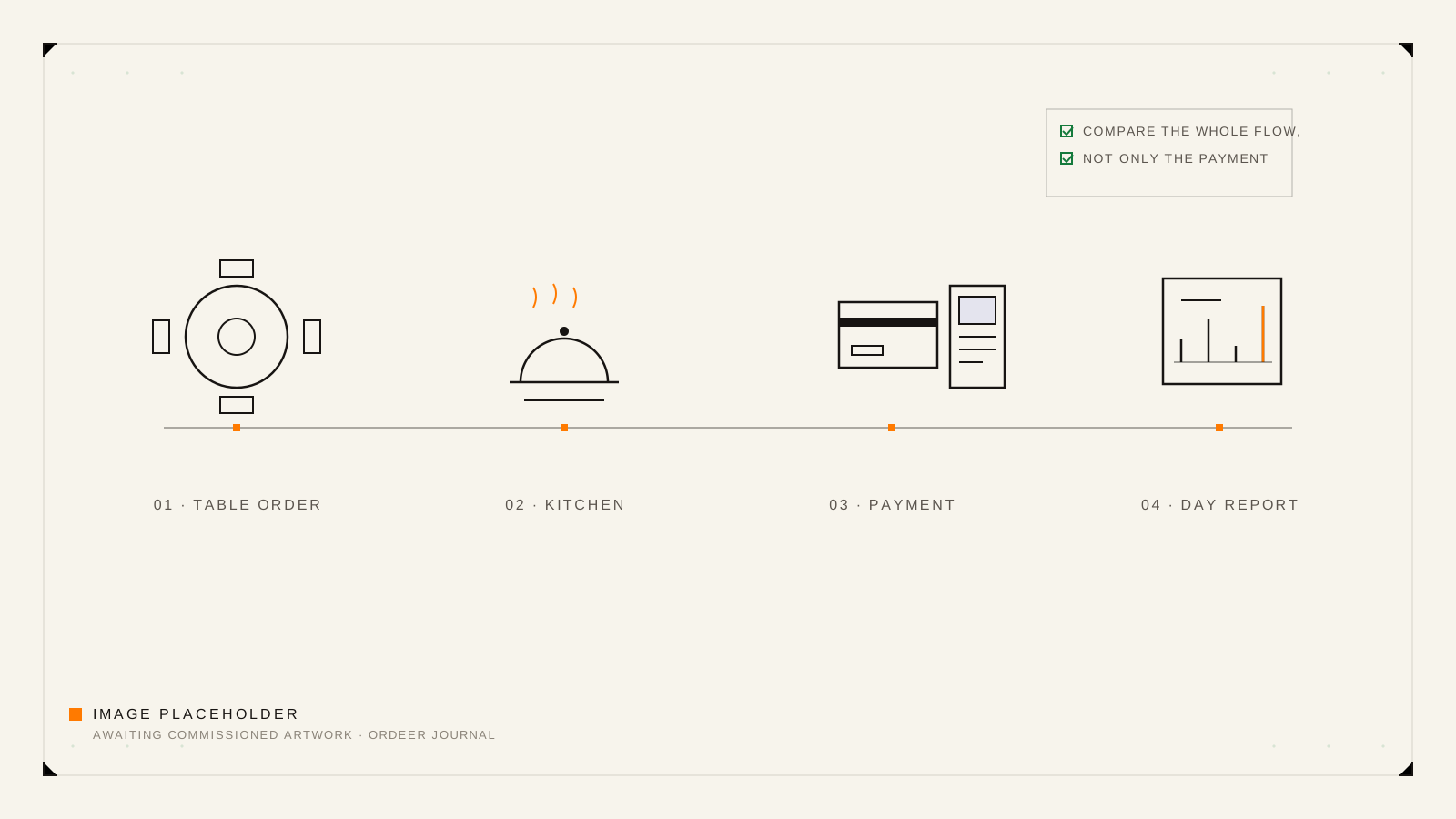
How an EPOS system works, from sale to report
Every EPOS system, whatever the brand, runs a version of the same loop:
- Build the sale. Staff select products or menu items on the till, with prices, variations and any discounts applied by the software rather than by memory.
- Take the order where it needs to go. In hospitality, that might mean the kitchen. In retail, it usually goes straight to payment.
- Take payment. Cash is recorded in the drawer; card payments are handled by a terminal, ideally with the amount passed across automatically so nothing is retyped.
- Record the result. The sale is stored with its items, time, staff member and payment type.
- Update everything connected. Stock counts adjust, the day's totals build up, and the receipt goes to the customer.
- Report. At close, and at any point during the day, the software can tell you what sold, when and for how much.
Steps 1 to 3 are what customers see. Steps 4 to 6 are why businesses buy an EPOS system rather than a calculator and a cash tin.
The parts: software, hardware, payments and connectivity
It helps to keep four layers separate in your head, because they are often priced and chosen separately.
| Layer | What it is | Typical examples |
|---|---|---|
| Software | The program staff use and the record-keeping behind it | Till interface, product catalogue, reporting |
| Hardware | The physical equipment the software runs on or drives | Till screen, receipt printer, cash drawer, scanner |
| Payments | How card transactions are accepted and settled | Card terminal and the processing service behind it |
| Connectivity | How the parts talk to each other and to you | The internet connection, and cloud access to reports |
When a provider quotes a price, ask which of these four layers it covers. Most confusion about EPOS costs comes from mixing them up, which is exactly the subject of our guide to what free EPOS software includes.
Common features for hospitality and retail
The core loop is the same everywhere, but the features that matter differ by business type.
Hospitality businesses tend to care about:
- tables, tabs and orders that stay open while people eat and drink;
- menu items with modifiers, such as milk choices or cooking preferences;
- routing orders to the kitchen or bar;
- splitting bills without a queue forming;
- takeaway and collection orders alongside dine-in.
Retail businesses tend to care about:
- fast checkout, often with barcode scanning;
- one product catalogue with prices kept consistent;
- stock levels that fall as items sell;
- refunds and exchanges recorded cleanly;
- quiet-hour tasks such as adding new products.
Most modern systems handle both worlds; the question is how naturally. If you run food, our restaurant EPOS checklist walks through the comparison in detail. If you run a shop, the independent shops page shows how Ordeer approaches retail.
Cloud EPOS versus older local systems
Older EPOS systems stored everything on the till itself, or on a computer in the back office. They worked, but reports lived on that one machine, updates meant an engineer visit, and a hardware failure could take the records with it.
Cloud EPOS systems store the record-keeping online. The till still works at the counter, but sales, products and reports live in an account you can reach from anywhere, and software improvements arrive as updates rather than replacements.
The practical differences:
- Access. Cloud systems let you check the day from home. Local systems generally do not.
- Resilience. With cloud storage, a broken till is an equipment problem, not a data problem.
- Cost shape. Local systems were usually a large one-off purchase. Cloud systems are usually priced as software plus hardware, which is why it pays to understand each part.
A reasonable question is what happens when the internet goes down. The honest general answer is that it varies by product and setup, so ask any provider to walk you through their offline behaviour specifically. It is one of the questions in the checklist below.
What an EPOS system can and cannot replace
A good EPOS system replaces:
- the cash register and the mental arithmetic around it;
- the notepad of orders that never quite matches the kitchen's copy;
- the end-of-day counting-up done from memory;
- the spreadsheet of products with three conflicting versions.
It does not replace:
- Your prices and margins. The software records what you decide; it does not decide for you.
- Bookkeeping and accounts. EPOS reports feed your accounting; they are not the accounts themselves.
- Management. A report showing quiet Tuesdays is useful only if someone acts on it.
Treat an EPOS system as the record of truth for what happens at the counter, and it earns its place quickly.
A practical buying checklist
Before comparing brands, write down how your business actually works, then check each system against it:
- Can staff learn the till in one shift?
- Does it handle your real product list, including variations and modifiers?
- Does the sale flow match your service, whether that is counter, table or basket?
- Are stock levels updated by sales automatically?
- Can you see reports away from the premises?
- What exactly happens if the internet drops?
- Which hardware is required, and what does it cost?
- How are card payments handled, and by whom?
- What does the software itself cost, now and after any introductory period?
- Can you leave without losing your data?
Questions to ask a provider
When you speak to any EPOS provider, including us, these questions surface the facts quickly:
- What is included in the software price, and what costs extra?
- Is there a contract term, and what does cancelling involve?
- What hardware do I need on day one, and what is optional?
- Who provides payment processing, and how are its fees structured?
- How do I get my sales and product data out if I leave?
- What support is included, and what does additional support cost?
A provider comfortable with these questions is usually a provider comfortable with their own pricing.
Frequently asked questions
What does EPOS stand for?
Electronic point of sale. In the US the same idea is usually just called POS; EPOS is the common UK term, and the two are used interchangeably.
Is EPOS the same as a card machine?
No. A card machine only accepts payments. An EPOS system manages the whole sale, including products, orders, stock and reporting, and connects to a card machine for the payment step.
Can an EPOS system work without the internet?
It depends on the product and setup. Cloud systems need connectivity to sync records and reports, and their behaviour during an outage varies, so ask each provider to demonstrate exactly what keeps working offline.
What hardware does an EPOS system need?
Typically a till screen, a receipt printer and a cash drawer, with a card terminal for payments. Shops often add a barcode scanner; hospitality often adds kitchen printing or displays. Start with the minimum your service needs.
Can EPOS connect online and in-person sales?
Modern systems increasingly can, keeping one product catalogue across the counter and online orders. Treat any specific integration as a claim to verify with the provider for your exact setup.
Where Ordeer fits
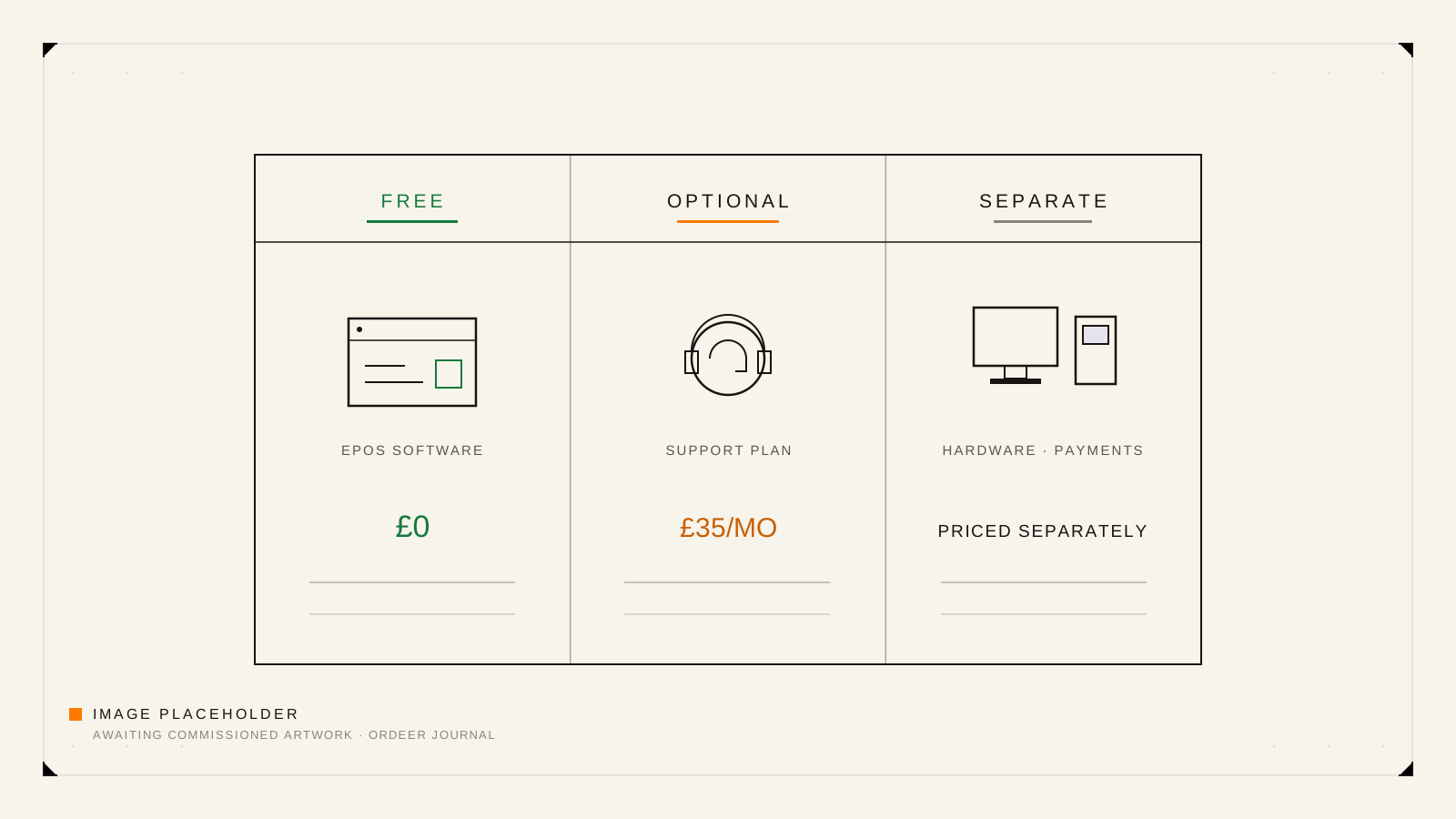
Ordeer is a modern EPOS for hospitality and retail. The parts map onto the layers above in a deliberately transparent way: the software is full-featured and free forever, optional support is £35 a month and can be cancelled, hardware is purchased separately, and card payments are provided through a payment-gateway partner. The resources hub collects our other guides, and the sections below link to how the software itself works.