Restaurant EPOS Checklist: What to Compare Before You Choose
Compare restaurant EPOS systems against your real service flow, not a feature list: front of house, menu, kitchen, bills, reporting, hardware and total cost.
Ordeer Editorial TeamChecked by the Ordeer Product Team5 min read
On this page
- Start by mapping your actual service flow
- Front-of-house checklist
- Menu, modifier and availability checklist
- Kitchen and fulfilment checklist
- Payment and bill checklist
- Reporting and staff checklist
- Hardware and resilience checklist
- Onboarding, data migration, training and support
- Total-cost questions
- The comparison table
- Frequently asked questions
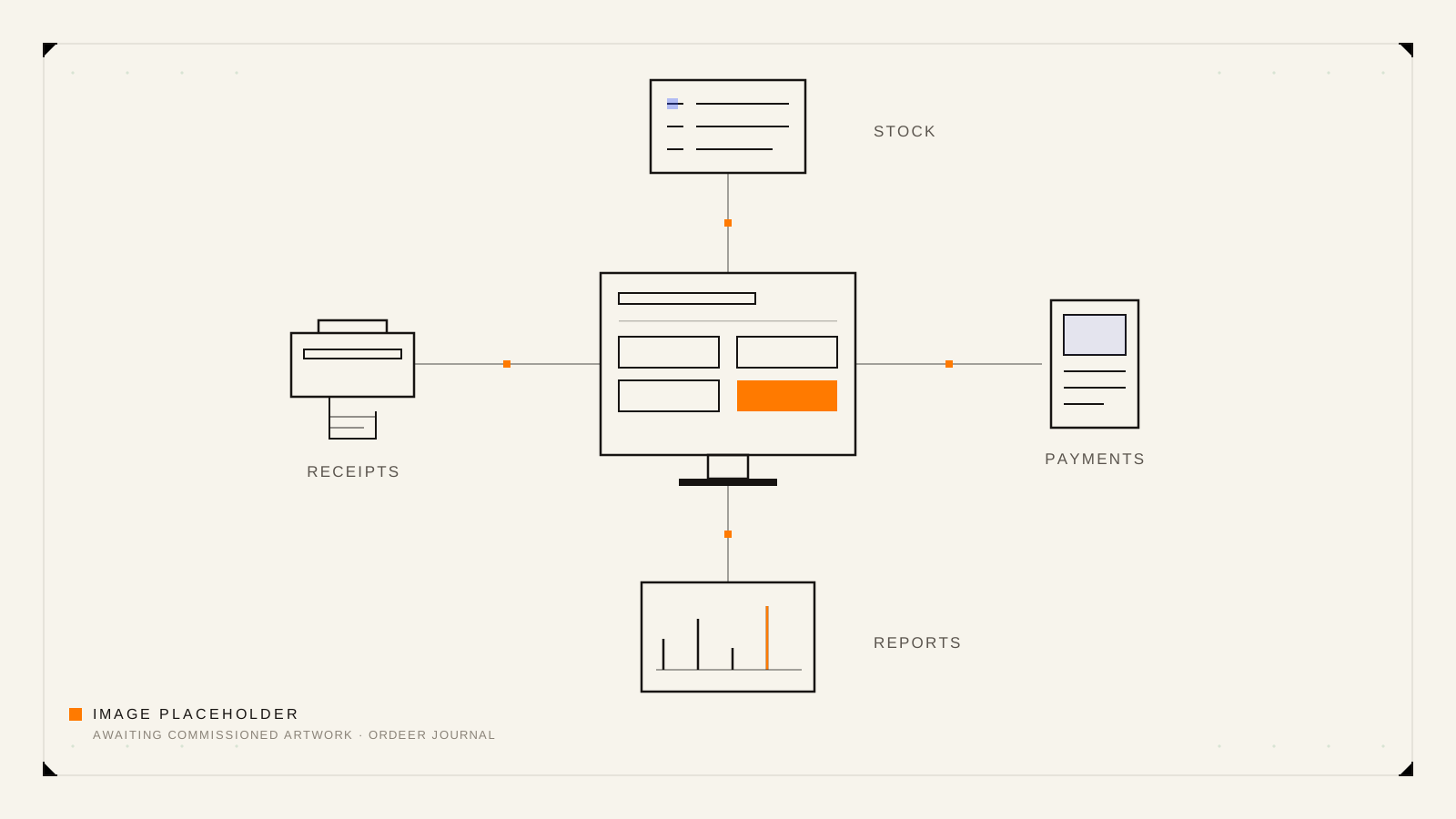
A restaurant EPOS should support the complete service flow, not only the payment at the end. Compare how each system handles tables, open tabs, modifiers, kitchen communication, split bills, takeaway, reporting, staff access, support, hardware and payments.
This checklist turns that sentence into something you can actually use. Work through it with each system you are considering, and score against your own service, not against the longest feature list. If you first want the basics of what an EPOS system is, start with the pillar guide and come back.
Start by mapping your actual service flow
Before any demo, write down one ordinary service as it really happens:
- A table of four sits down at 7:15pm.
- Drinks are ordered before food. One meal has an allergy adjustment.
- The kitchen needs the starters and mains at different times.
- A fifth person joins late and orders separately.
- The table wants to split the bill three ways, one part by cash.
- Meanwhile, two takeaway orders arrive for collection.
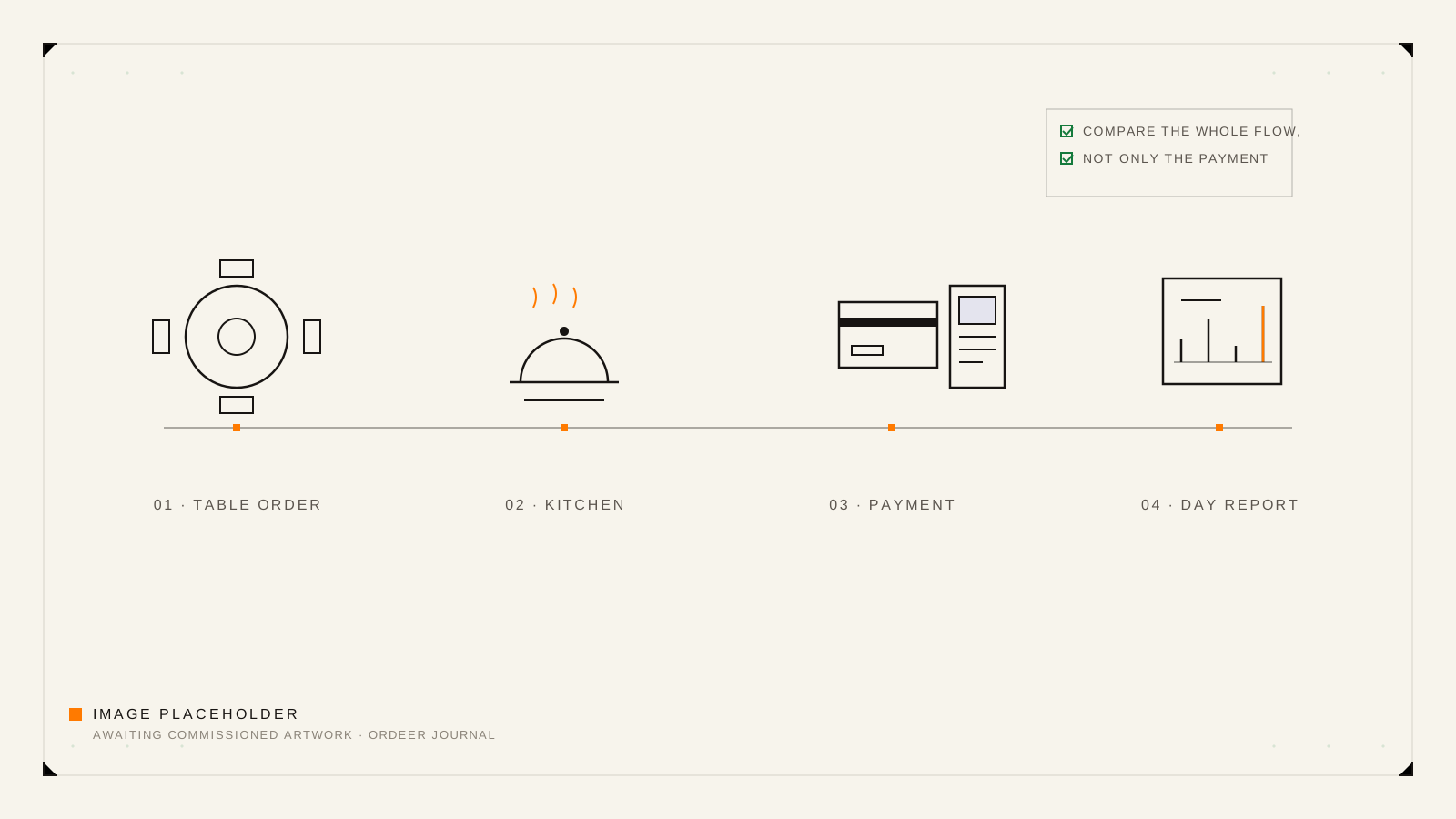
Every line of that story is an EPOS moment. A system that demos beautifully on a single burger sale can fall apart at step 4. Insist that every demo runs YOUR story, and the comparison becomes easy.
Front-of-house checklist
- Can staff open a table or tab in a couple of taps?
- Do orders stay open and editable until the table settles?
- Can items move between tables when people move?
- Can a new starter learn the till during one quiet shift?
- Does the layout keep the most-used items one tap away?
- Can service continue at the counter while a table order is open?
Menu, modifier and availability checklist
- Does the menu structure match yours: courses, categories, specials?
- Do modifiers handle real cases, such as sauces, cooking preferences and removals?
- Can a modifier change the price when it should?
- Can an item be marked unavailable mid-service without confusion?
- How painful is a price change: seconds, or a support ticket?
Kitchen and fulfilment checklist
- How do orders reach the kitchen: printed ticket, screen, or both?
- Are modifiers unmissable on the kitchen's copy?
- Can courses be held and fired at the right time?
- What happens to an order that changes after it was sent?
- Do takeaway and collection orders join the same kitchen flow, clearly labelled?
Payment and bill checklist
- Is the amount passed to the card terminal automatically, with no retyping?
- Can a bill be split by item and by equal shares, in one visit to the table?
- Are mixed payments handled cleanly, part cash and part card?
- Are refunds and corrections recorded with a reason, not lost?
- Does the receipt show what the customer expects to see?
Reporting and staff checklist
- Can you see today's sales without standing at the till?
- Do reports break down by item, category, time and staff member?
- Can staff have their own logins with appropriate permissions?
- Is the end-of-day summary something you would actually read?
- Can you compare this week against last week without exporting anything?
Hardware and resilience checklist
- Exactly which hardware is required on day one, and at what cost?
- What happens mid-service if the internet drops? Ask for a demonstration, not a reassurance.
- What happens if a till or printer fails on a Saturday night?
- Is the hardware suited to a real kitchen and bar environment?
- Can you add a second till later without starting again?
Onboarding, data migration, training and support
- Who builds the first menu: you, or the provider, and at what cost?
- Can products and prices be imported rather than typed?
- What training exists beyond a PDF?
- What support is included in the price, when is it available, and what does more cost?
- If you leave, how do you take your sales history with you?
Total-cost questions
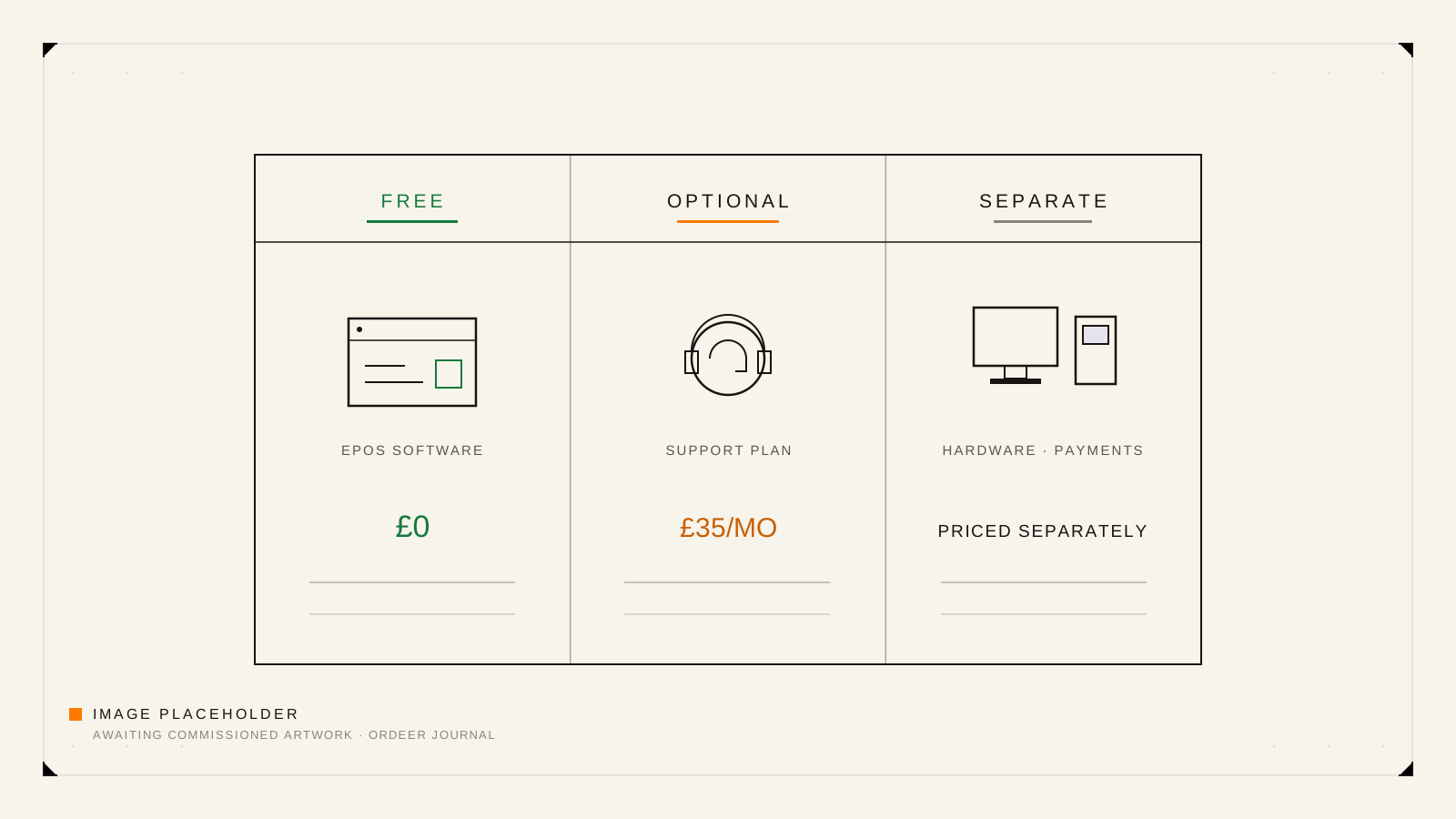
The monthly software price is only one line of the real cost. For each system, complete this sentence honestly: "In year one, this system will cost us the software, plus ...". The usual entries:
- Hardware, bought or rented.
- Card-processing fees, as a rate on turnover rather than a fixed sum.
- Support, if it is priced separately.
- Setup, menu-building or training services.
- Extra features sold as add-ons.
- Any charge for leaving early.
Two systems with the same headline price can be far apart once this list is filled in. Our guide to what free EPOS software includes covers the software line specifically, and Ordeer's pricing shows how we answer these questions ourselves.
The comparison table
Copy this into a document, one column per system, and fill it in during demos. A blank cell is a question you have not asked yet.
| What to compare | System A | System B |
|---|---|---|
| Tables and open tabs | ||
| Modifiers and allergies | ||
| Kitchen communication | ||
| Split and mixed bills | ||
| Takeaway and collection | ||
| Reports away from the till | ||
| Staff logins and permissions | ||
| Required day-one hardware | ||
| Offline behaviour, demonstrated | ||
| Software cost, ongoing | ||
| Payment processing and fees | ||
| Support: included and paid | ||
| Setup and training | ||
| Contract term and exit |
Frequently asked questions
What should a restaurant EPOS system include?
At minimum: table and tab management, menu modifiers, a reliable route to the kitchen, bill splitting, clear reporting and staff logins. Beyond that, judge features by whether they serve your specific service flow.
Can a restaurant EPOS manage tables and tabs?
Any system built for hospitality should. The differences appear in the details: moving items between tables, merging tabs, and keeping an order editable until it settles. Test those, not the existence of a floor plan.
How should EPOS connect to the kitchen?
Either printed tickets or a kitchen display, and often both. What matters is that modifiers are unmissable, courses can be timed, and a changed order does not silently produce two versions of the truth.
What should I ask about payment processing?
Who provides it, what the fees are and how they are structured, whether the amount passes to the terminal automatically, and how refunds work. Get the fee structure in writing; it usually outweighs small differences in software price.
How do I compare the real cost of two EPOS systems?
Add year-one totals: software, hardware, processing fees on your expected card turnover, support, setup and any exit charge. Compare those totals, not the monthly headline.