Skip to content
Ordeer POSGet FREE EPOS

Hardware

Hardware for
every business

From touchscreen tills and tablets to printers, scanners and cash drawers, find the hardware setup that works for your shop, café or restaurant.

Always included

Built around your business

Hardware options for retail shops, cafés, restaurants and hospitality venues.

Works with your EPOS

Choose equipment suited to your Ordeer software and business requirements.

Flexible configurations

From a simple single till to a more complete setup with printers, scanners and accessories.

Help choosing hardware

Tell us how your business operates and we can discuss suitable hardware options.

Explore the hardware

Explore the equipment types below. We’ll confirm the model and fit for your setup.

Touchscreen POS terminals
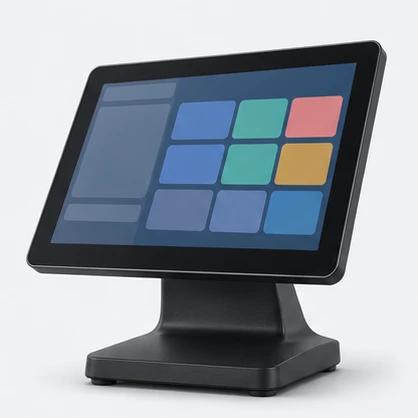
Touchscreen till on a counter standView details

Suitable for

Shops, cafés & restaurants

Give staff one place at the counter to build baskets, enter orders and complete a sale.

Your configuration

Request a quote

  • Screen size and reach
  • Counter footprint
  • Peripheral connections
Discuss this hardware
Hardware specifications

Hardware

Choose a display that staff can read from their usual working position. Measure the stand as well as the screen.

Software compatibility

Ordeer Free runs on a standalone Windows till. Ordeer Pro adds connected stock and sales across tills. Check the device and operating system for your chosen setup.

Accessories

Allow space for the receipt printer, drawer and any scanner beside the till.

Setup

Share the till model, operating system and available ports. Try a typical order with the screen in position.
Tablets and mobile POS

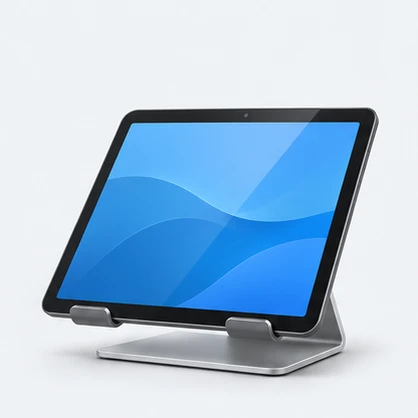
Slim landscape tablet resting on a low silver standView details

Suitable for

Cafés, dining rooms & shop floors

Consider a smaller screen where counter space is tight, or a handheld device for staff working away from the till.

Your configuration

Request a quote

  • Handheld or mounted use
  • Charging position
  • Wireless coverage
Discuss this hardware
Hardware specifications

Hardware

Check the screen in the light where staff will use it. For handheld use, consider weight, grip and time between charges.

Software compatibility

Share the tablet model and operating system so Ordeer can check the intended workflow before you choose a device.

Accessories

Discuss a counter stand, protective case or charging point sized for the tablet.

Setup

Map the route from counter to table and check coverage wherever staff need to send an order.

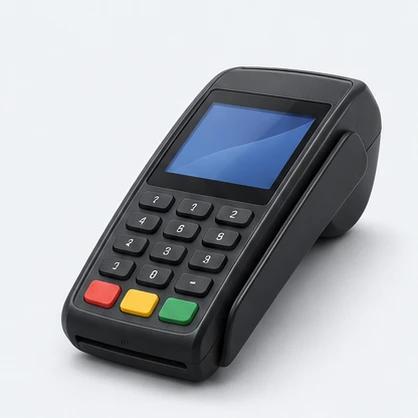
Card payment terminals

Handheld payment terminal with a display and keypadView details

Suitable for

Retail counters, cafés & bars

Take payment at a fixed checkout or discuss a portable terminal for service at the table.

Your configuration

Request a quote

  • Standalone or integrated
  • Payment provider
  • Countertop or portable
Discuss this hardware
Hardware specifications

Hardware

With a standalone terminal, staff key in the amount. An integrated terminal can receive it from the till when the provider and device are supported.

Software compatibility

Ordeer Free uses a separate card terminal. Ordeer Pro supports selected integrations, subject to provider, region and device. Ordeer Custom AI+ integrations are assessed and quoted individually.

Accessories

Check the charging lead or base and where the terminal can stay powered between services.

Setup

Share the terminal model and provider. Check how staff will match a card payment or refund to its till record.

Receipt and kitchen printers

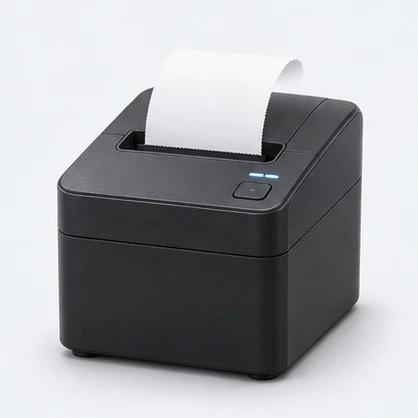
Countertop receipt printer feeding a short paper slipView details

Suitable for

Shop counters, kitchens & cafés

Hand customers a receipt at the counter or send a printed order to the team preparing it.

Your configuration

Request a quote

  • Receipt or order ticket
  • Paper width
  • Driver and connection
Discuss this hardware
Hardware specifications

Hardware

Match the paper width and print layout to the job. A kitchen ticket needs to be legible at the preparation station.

Software compatibility

The printer model, driver and connection determine whether the intended print workflow can be configured.

Accessories

Check paper rolls, power supply and cable length. If a drawer connects through the printer, check its interface too.

Setup

Identify which till sends each printout and where it should arrive. Test a sample receipt or kitchen ticket.

Barcode scanners

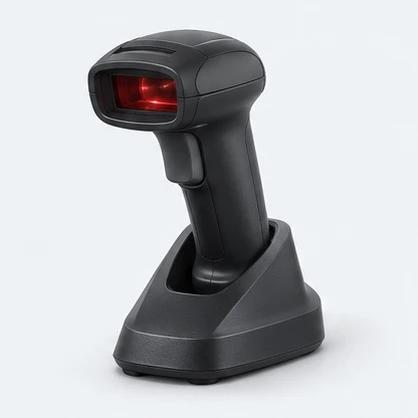
Handheld barcode reader sitting upright in a cradleView details

Suitable for

Independent shops & convenience stores

Bring a labelled item into the basket by scanning its code at the checkout.

Your configuration

Request a quote

  • Label and barcode type
  • Scanner input mode
  • Handheld or in a stand
Discuss this hardware
Hardware specifications

Hardware

Choose a reader around the labels you sell. Small stickers and barcodes wrapped around bottles are worth testing.

Software compatibility

Confirm the scanner’s input mode and connection with the till. A scanned code needs a matching product record.

Accessories

Allow space for a stand or cradle and check that the cable reaches the checkout.

Setup

Bring a few real labels and check that each scan adds the expected product to a basket.

Cash drawers

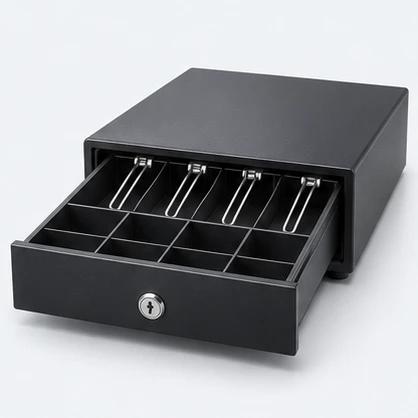
Open cash drawer showing note clips and coin compartmentsView details

Suitable for

Shops, pubs & counter service

Keep notes and coins organised within reach of the person taking payment.

Your configuration

Request a quote

  • Counter clearance
  • Till or printer interface
  • Manual opening
Discuss this hardware
Hardware specifications

Hardware

Check the note and coin layout, the drawer depth and the clearance needed when it slides open.

Software compatibility

Confirm the opening signal for the exact printer and drawer combination. Similar-looking sockets can serve different purposes.

Accessories

Check the cable and connector against the printer or till interface that will trigger the drawer.

Setup

Test a cash sale and agree how authorised staff can open the drawer manually when needed.

Accessories and connectivity

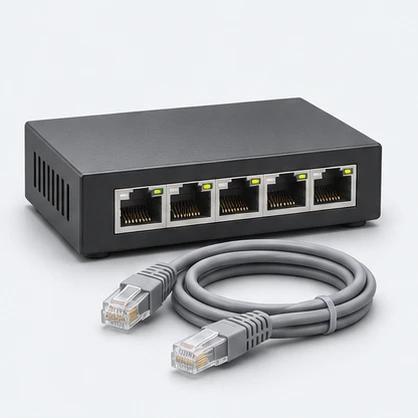
Compact network switch with an Ethernet patch cableView details

Suitable for

Multi-till shops & busy kitchens

Plan the connections between tills, printers and service stations, including the space and power each one needs.

Your configuration

Request a quote

  • Network connections
  • Power and cable runs
  • Device positioning
Discuss this hardware
Hardware specifications

Hardware

Map sockets, network points and wireless coverage around each counter and preparation area.

Software compatibility

Ordeer Pro supports connected tills. Confirm the connection requirements for each device on the proposed network.

Accessories

Discuss Ethernet cables, a network switch or a stand once the devices and their positions are known.

Setup

Measure cable runs and test from the intended positions, including the furthest printer or service station.

Find your ideal setup

Discuss your hardware setup
  1. A baker packing an order at her counter
    Step 1

    Tell us about your business

    Share what you sell, how you operate and what hardware you currently use.

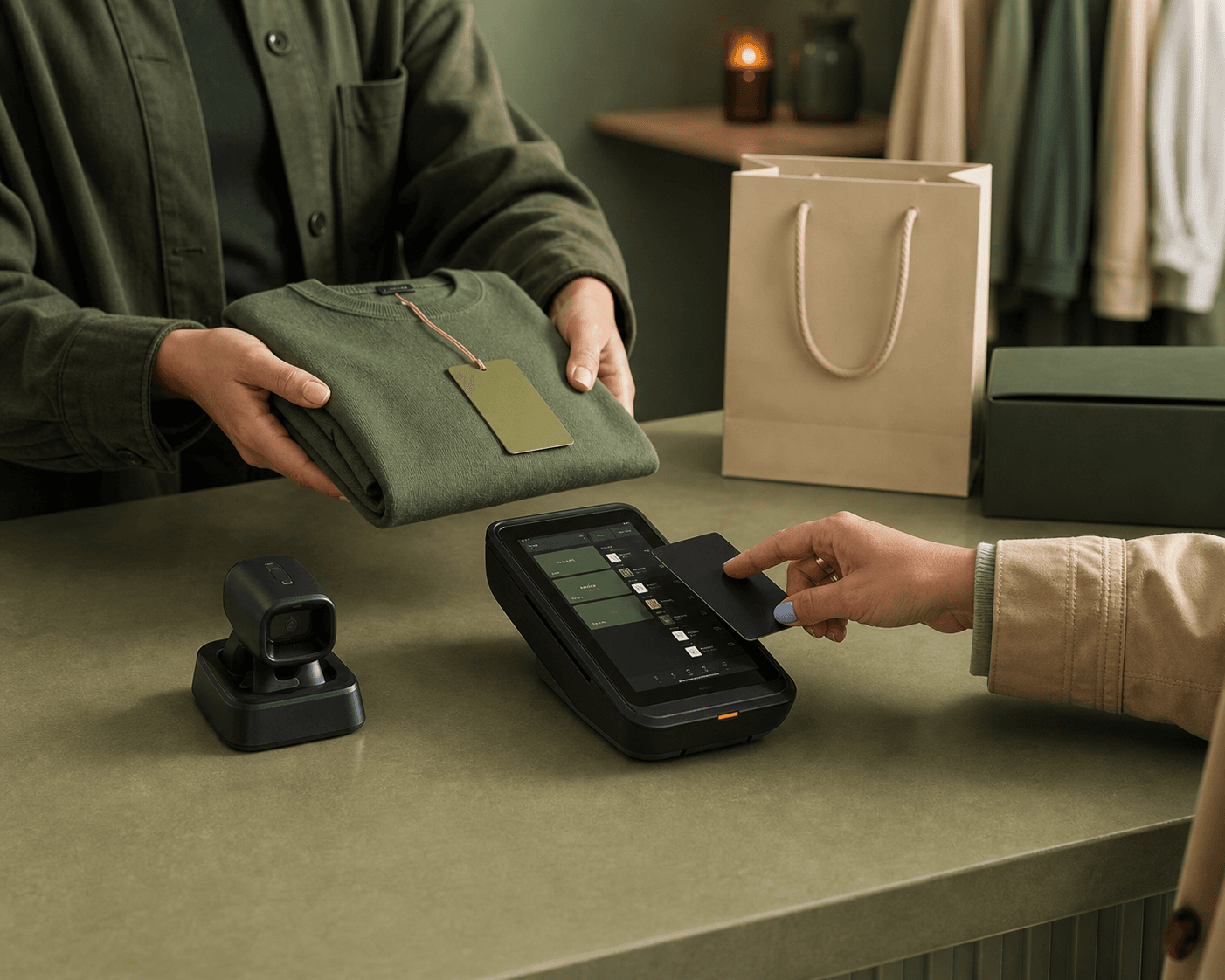
  2. A barcode reader and payment terminal at a shop checkout
    Step 2

    Explore your options

    We'll help you identify suitable tills, payment terminals and peripherals based on your requirements.

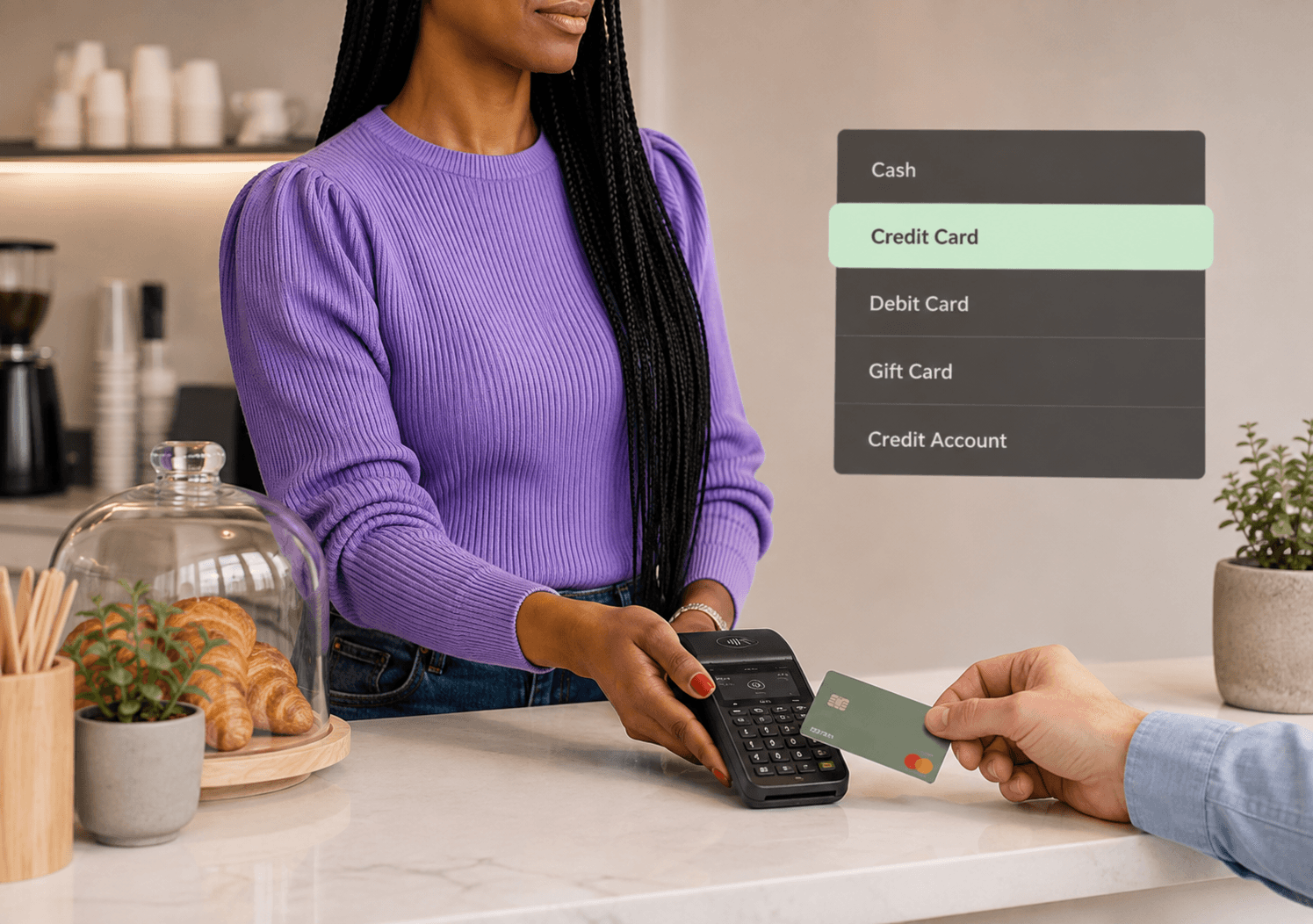
  3. A café customer paying by card at the counter
    Step 3

    Get your setup

    Review the recommended equipment, compatibility and next steps for your Ordeer EPOS system.