Skip to content
Ordeer POSGet FREE EPOS

Ordeer for hospitality

Built for the pace of service.

One system for the counter, the floor and the kitchen. Ordeer is full-featured EPOS software for restaurants, cafés and bars, free forever.

Full software · £0 licence · Hardware separate

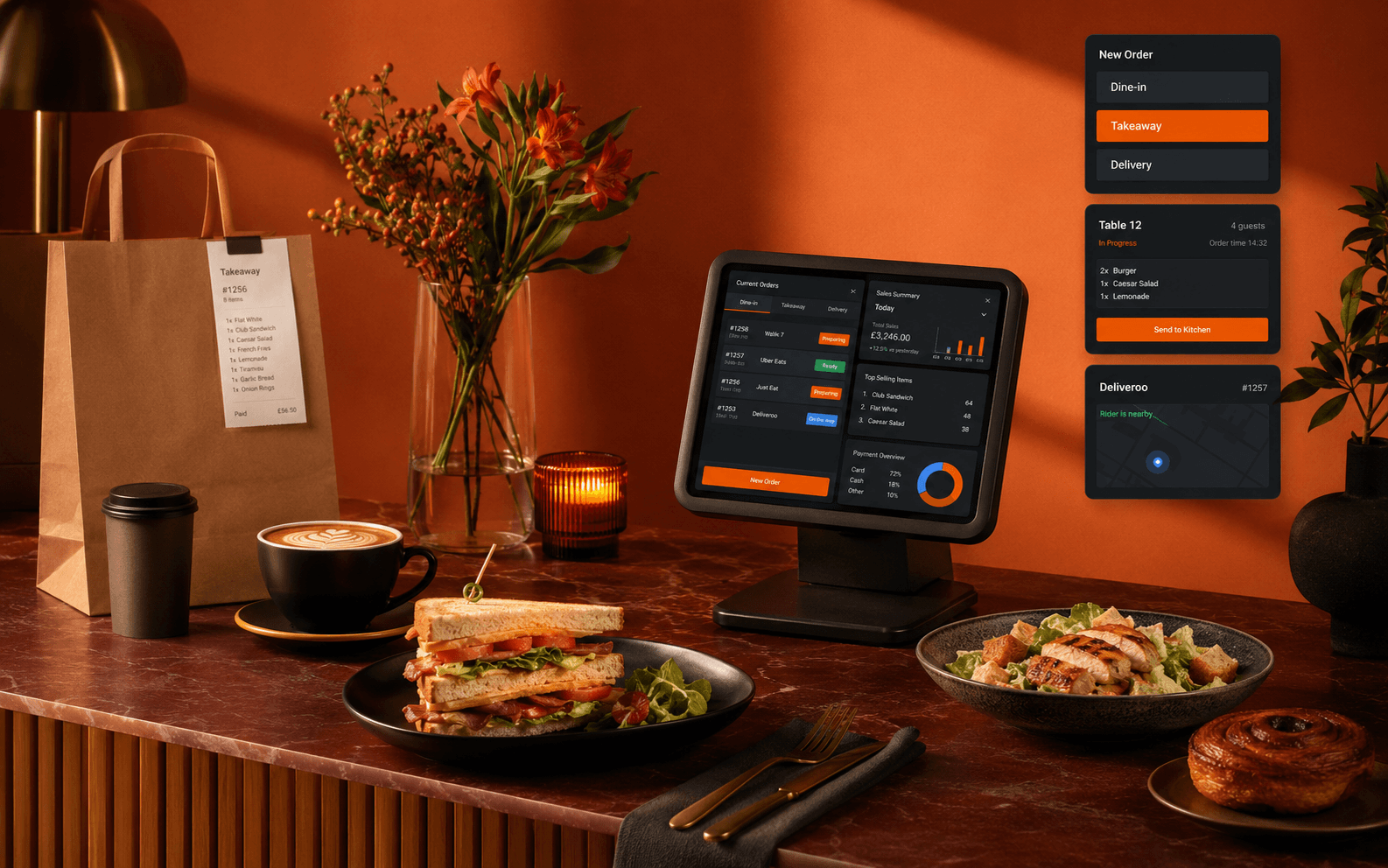
Ordeer hospitality system at a café counter with orders, takeaway and delivery in view.

Built for

RestaurantsCafésPubs & barsTakeawaysCounter serviceTable service

What is a hospitality POS system?

A hospitality POS brings orders, payments, tables, menus, kitchen workflow and reporting into one connected system: less time managing software, more time looking after guests.

Hospitality

A full service, running as one system.

Eight parts of a working day, from the first order to the numbers at close. This is how Ordeer keeps a hospitality business moving.

01Built for hospitality

CounterTableTakeaway

Hospitality is the whole point.

Ordeer is shaped around the way food and drink businesses actually trade: fast counter service, long table service and everything between, on one till the whole team can pick up quickly.

  • Any style of service

    Counter, table and takeaway trade run side by side on the same system.

  • One connected till

    The floor, the kitchen, stock and reports all work from the same orders.

  • Quick to learn

    Clear screens and simple flows, so new staff settle in fast.
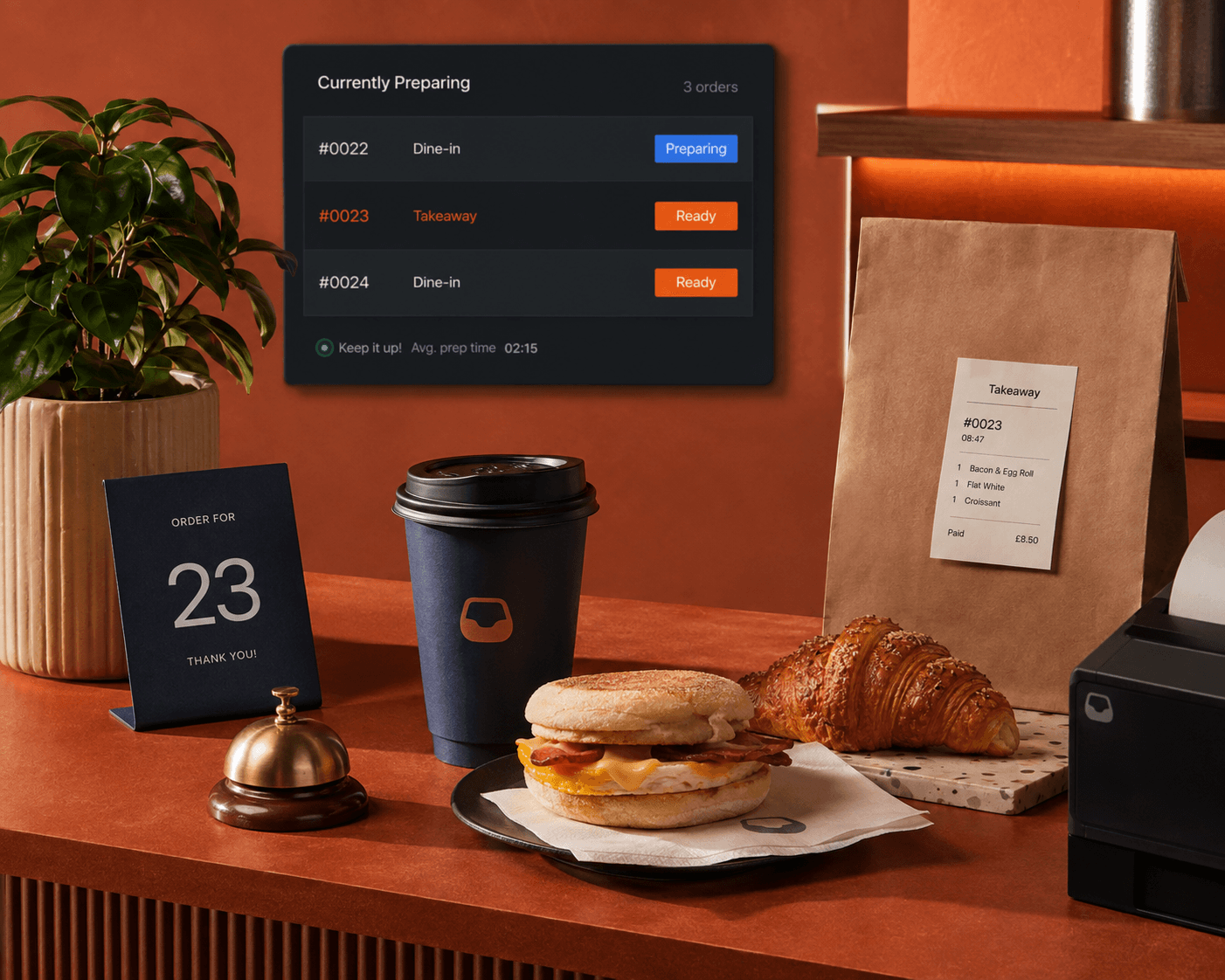
Café pickup counter with live order status, takeaway order and breakfast service.

02The floor

TablesTabsFloor plan

The whole floor, connected.

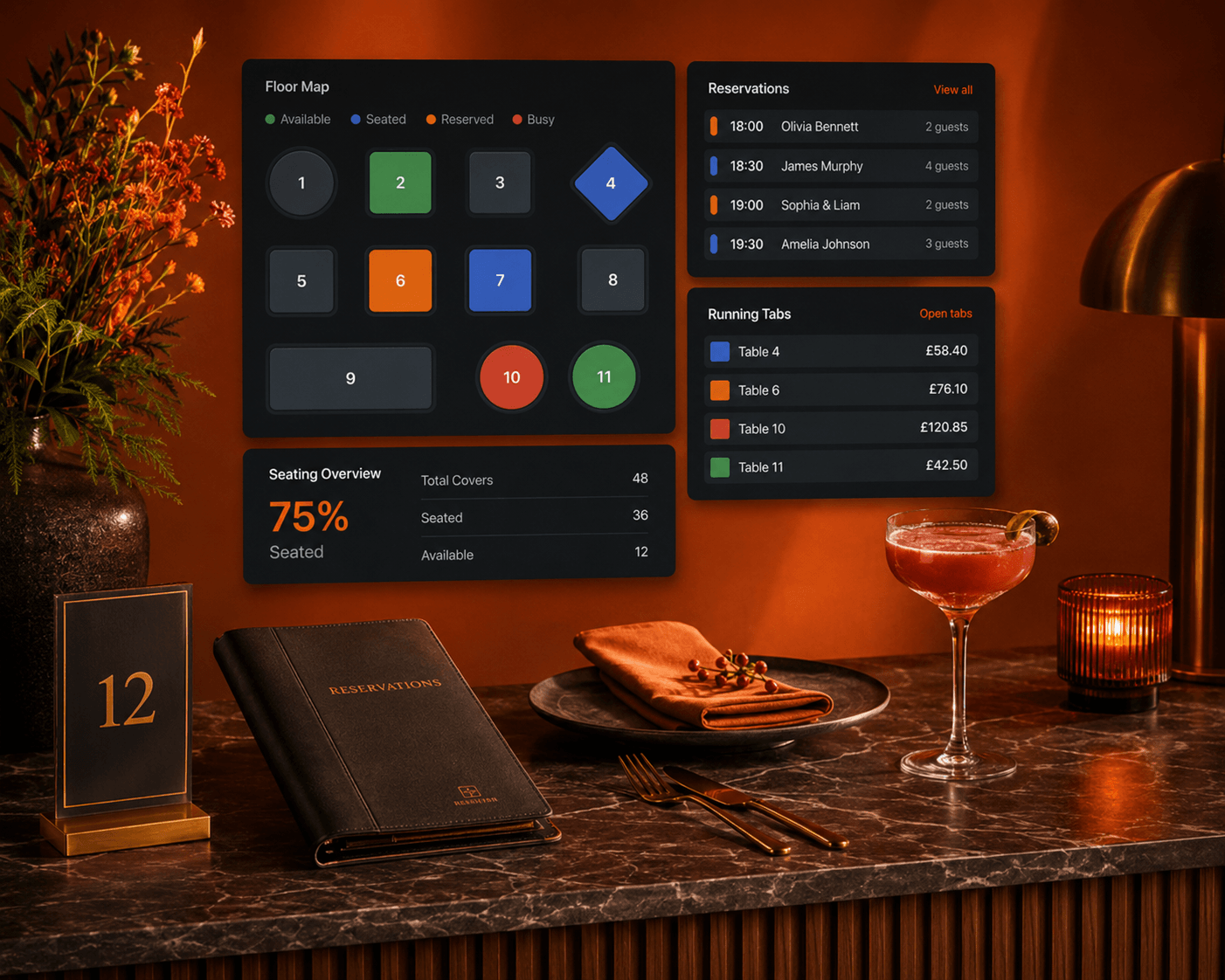
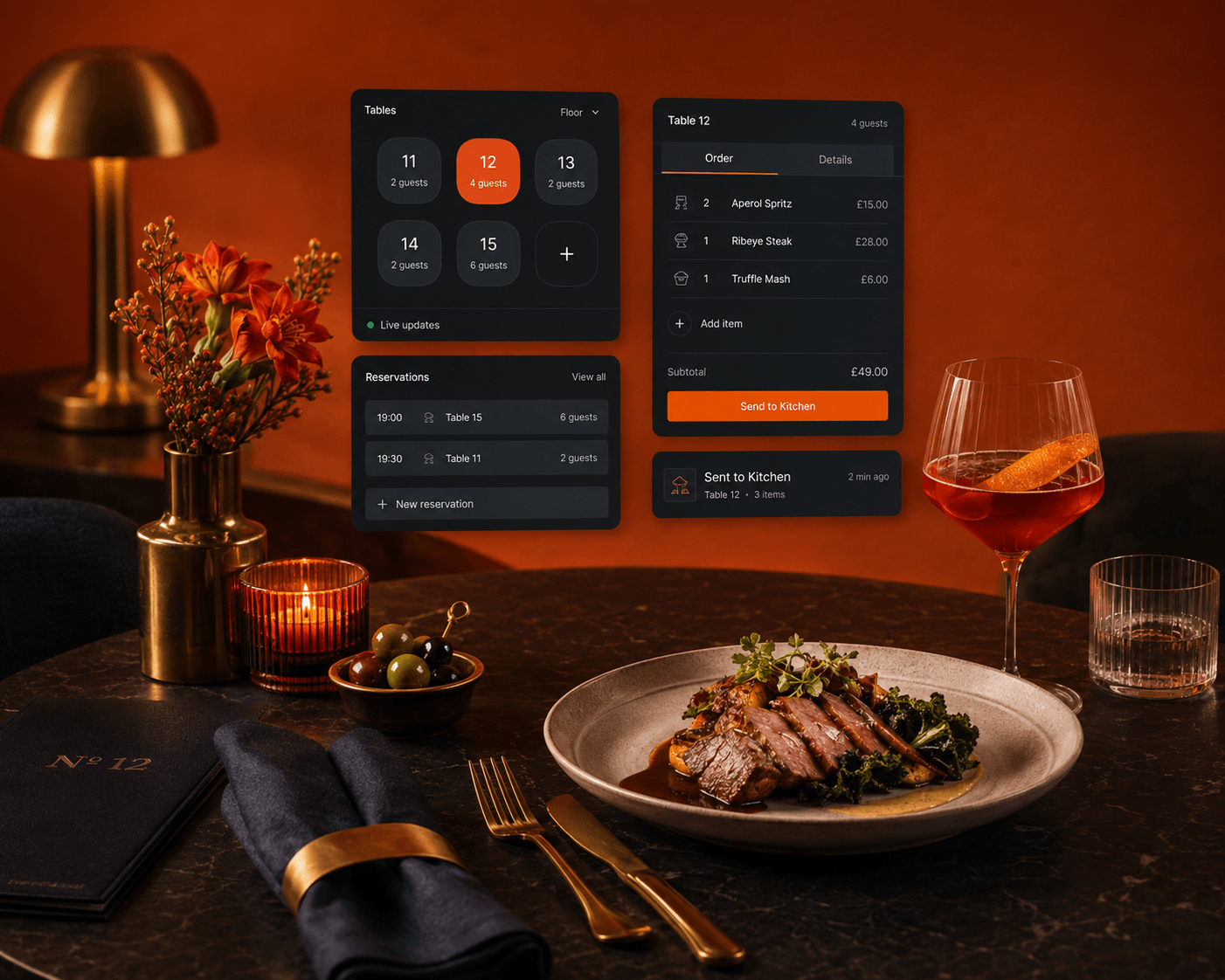
The room as it really is: which tables are seated, which orders are open, which tabs are running and who is looking after them. Move a table or split a bill without breaking stride.

  • Tables & tabs

    Open, move and merge tables and tabs as the room changes.

  • Bills, handled

    Split and settle at the table or the counter, by cash or card.

  • Service in view

    Open orders and service timing, visible across the whole floor.

Restaurant floor plan with reservations, running tabs and seating overview.

03The kitchen

Kitchen displayRoutingTiming

Into the kitchen, minus the chaos.

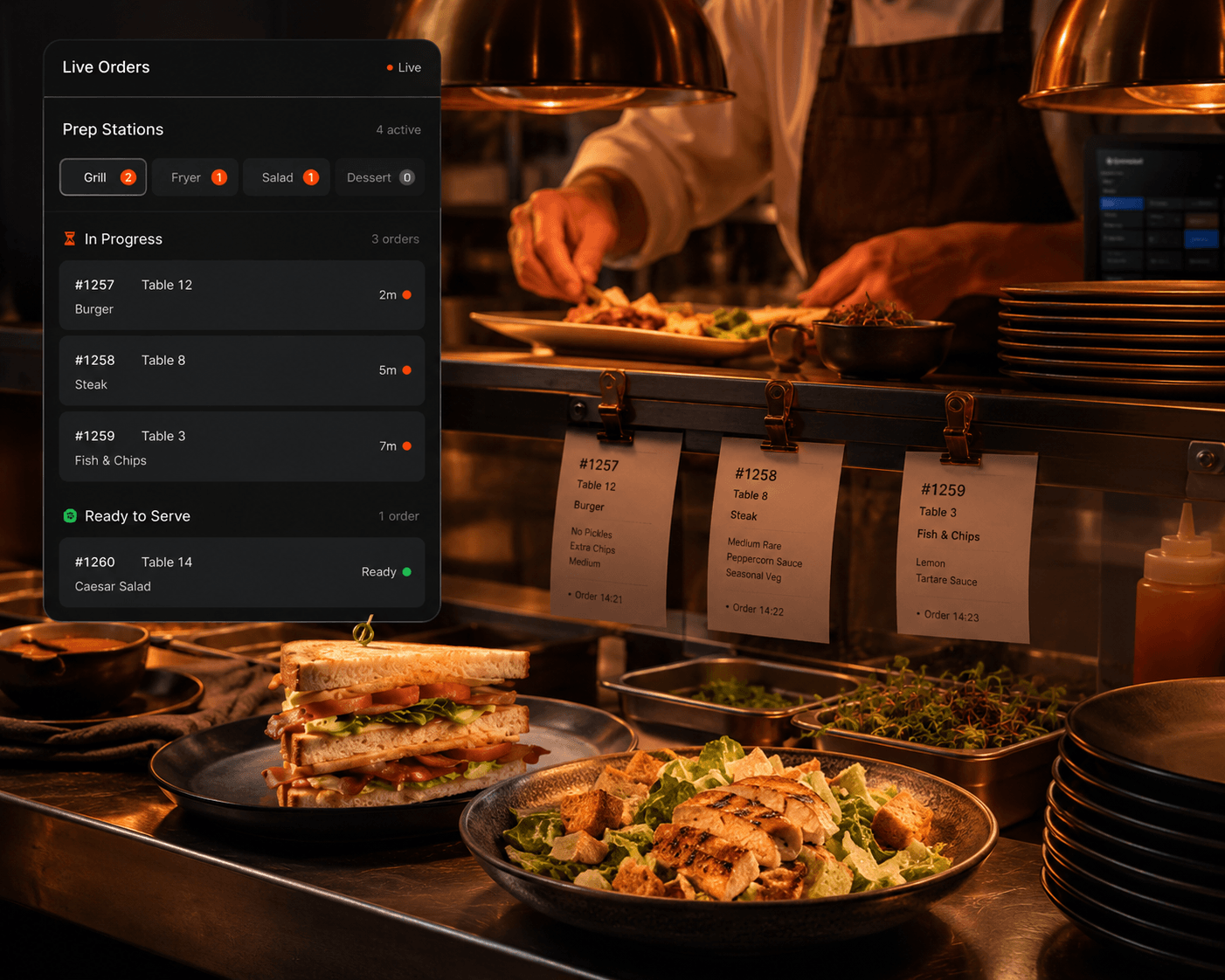
Orders reach the kitchen the moment they are taken, complete with every modifier, so the pass works from what the guest actually asked for rather than a shouted correction.

  • Straight to the pass

    Nothing re-keyed and nothing lost between front and back of house.

  • Modifiers included

    Swaps, extras and notes travel with the order.

  • Timing in view

    How long each order has been open, before the room feels it.

Kitchen pass with a chef plating dishes beside live order and prep-station status.

05Ordering & payments

CounterTablesideCard payments

Order and pay, without friction.

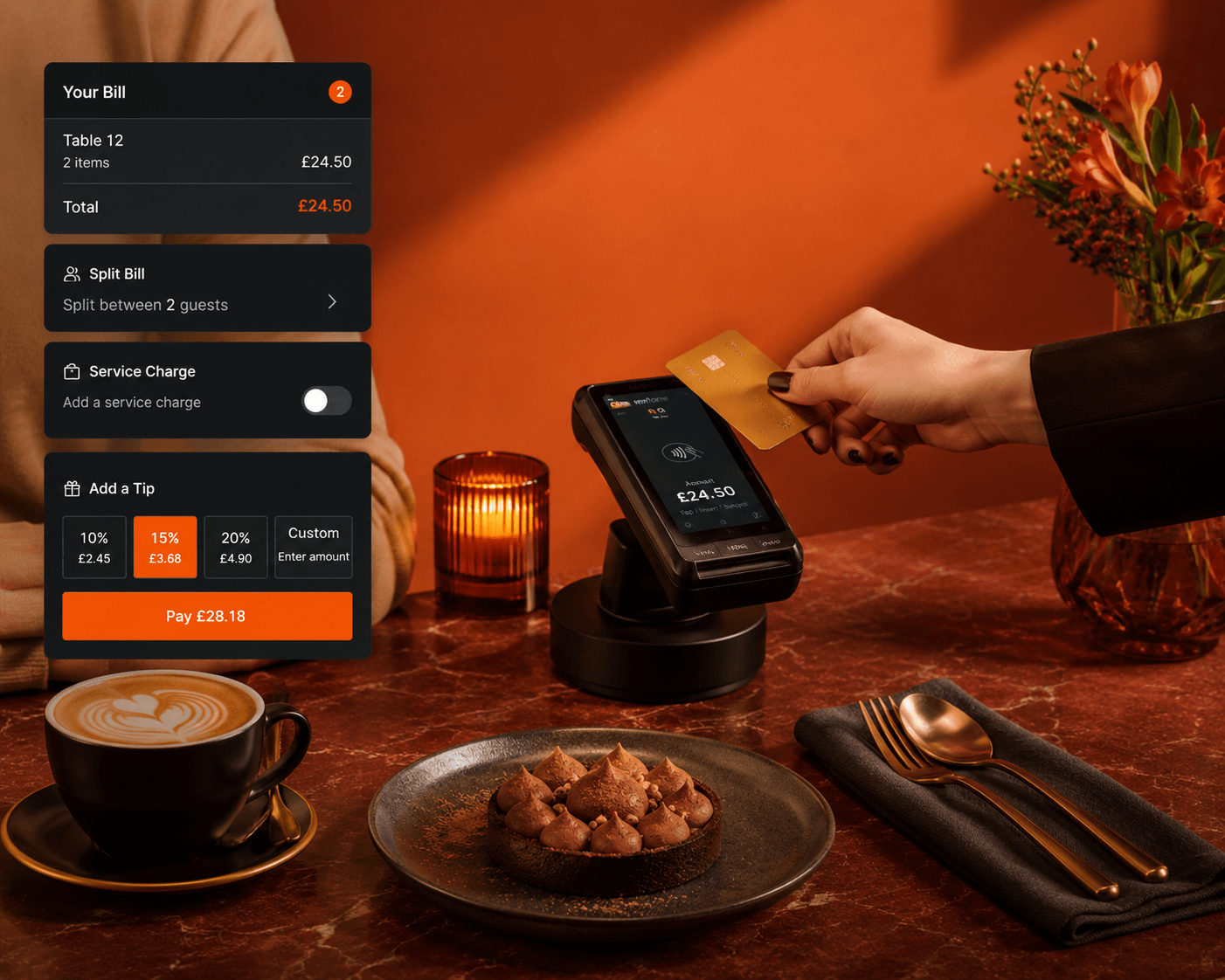
Take the order where the guest is, at the counter or beside the table, and let payment follow it: through our payment partners, the total reaches the terminal with nothing typed twice.

  • Counter and tableside

    Orders taken at the till or at the table, into the same system.

  • Connected card payments

    Terminals through our payment partners, with the total passed straight from the bill.

  • Beyond the counter

    Online checkout and secure payment links for orders that never touch the till.

Tableside card payment with split-bill, service-charge and tipping options.

06The stack

DeliveryBookingsAccountingAI

The rest of your stack, connected.

Delivery platforms, bookings, accounting and messaging connect to the till, and Ordeer's AI automations carry the routine work between them: orders in, numbers out, follow-ups handled.

  • Orders from everywhere

    Connect delivery and online channels so orders land in one place.

  • The back office in step

    Bookings and accounting stay connected to the day's trade.

  • Automation between

    AI automations move the routine work between your tools.

Explore Integrations & AI Automation

07Insight

ReportsStockTrends

Know before it becomes a problem.

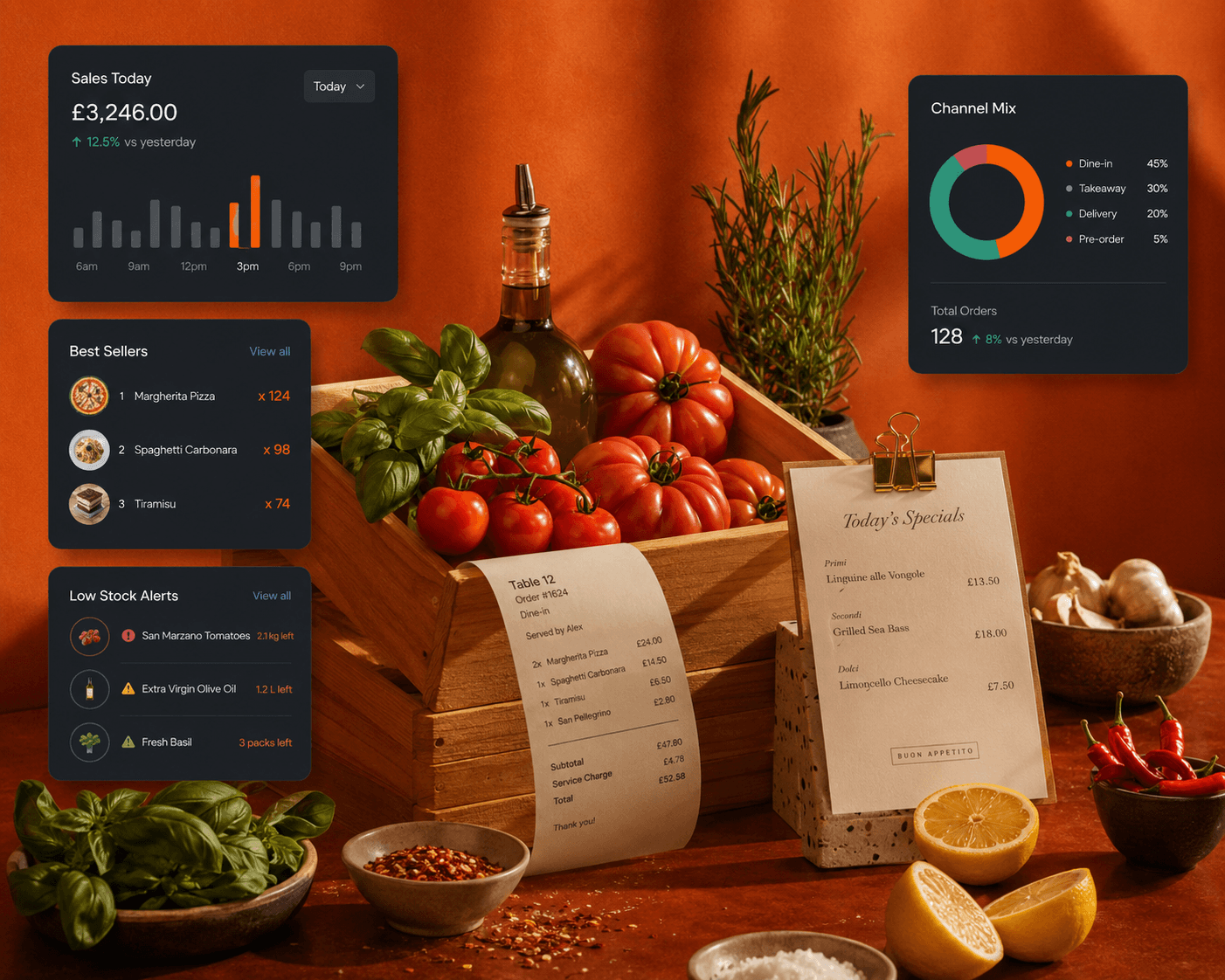
The day's sales, stock on its way down and the dishes doing the work, visible without standing beside the till. Ordeer watches the routine so you can watch the room.

  • The day at a glance

    Daily and period summaries of sales, orders and staff.

  • Stock in step

    Levels follow every sale, with low-stock awareness built in.

  • Signals, not spreadsheets

    Patterns worth acting on, surfaced for you.

Hospitality reporting with sales, best sellers, channel mix and low-stock alerts.

08The service

ReliabilitySupportGuests

Technology in the background. Hospitality in the foreground.

The best till is the one nobody notices. Ordeer stays steady through service and out of the way of it, so the room's attention goes where it belongs: your guests.

  • Less admin, more service

    The routine work handled in the background.

  • Support, if you want it

    Optional support at £35 a month, with our team beside you.

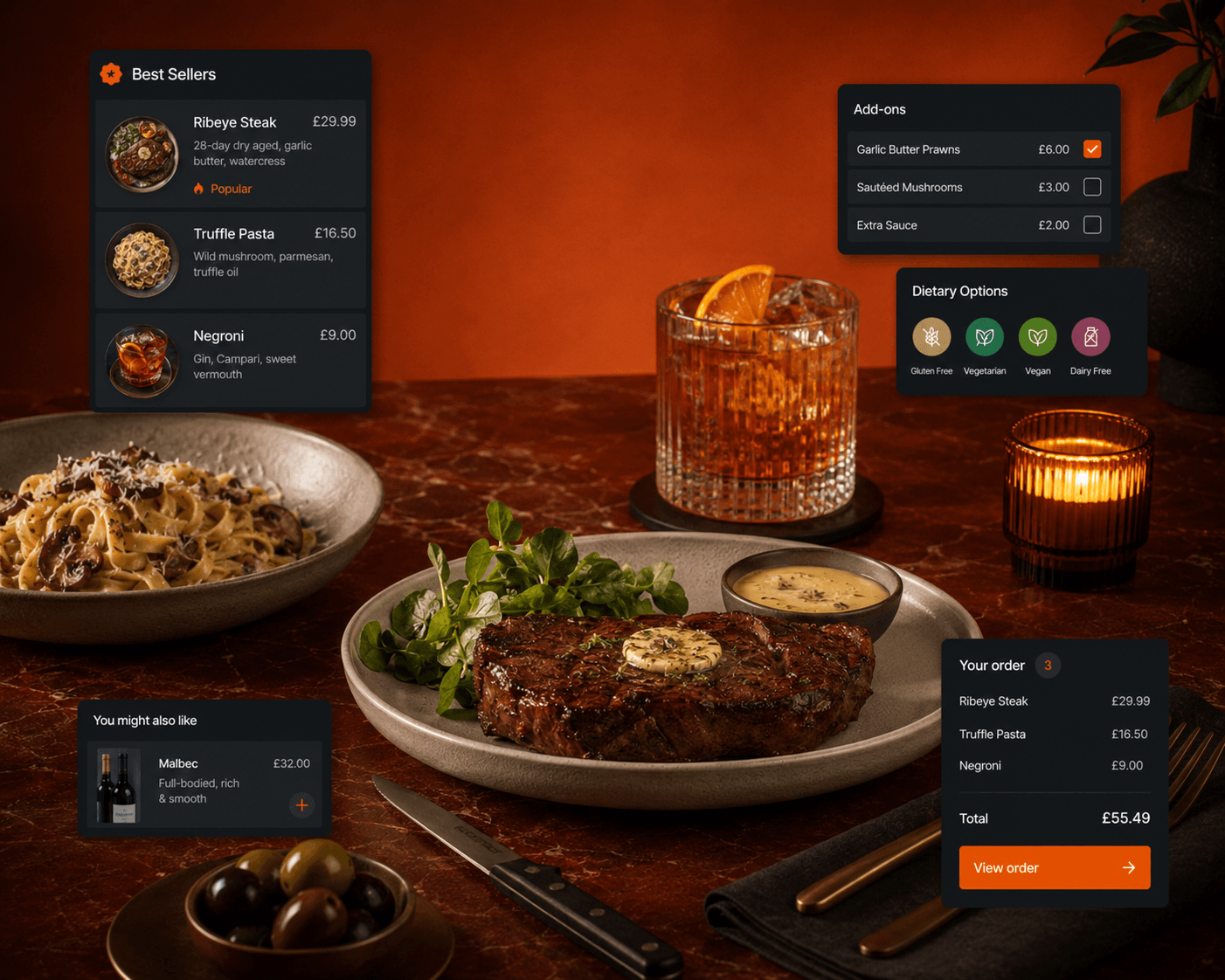
Table service with connected tables, reservations and an order sent to the kitchen.

Hospitality

Fewer steps for your team. Better service for every guest.

Less time learning the till. More time looking after the room.

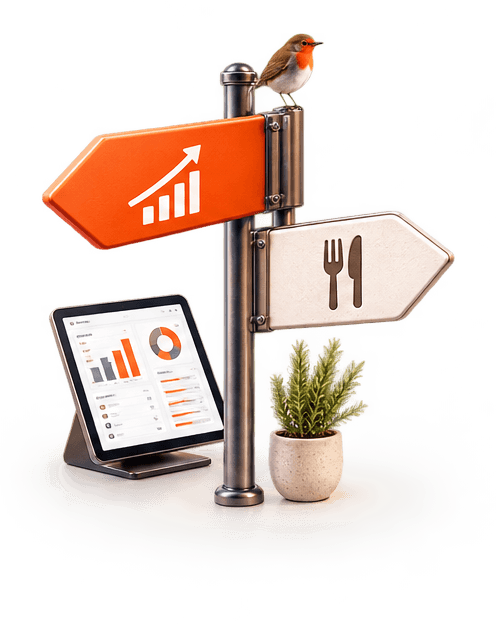
Illustration: a signpost with a rising sales arrow and a dining sign above a tablet showing an Ordeer dashboard, a robin perched on top.

Make faster decisions

See the signals that matter without digging through reports.

  • Know what is selling
  • Spot low stock earlier
  • See performance at a glance
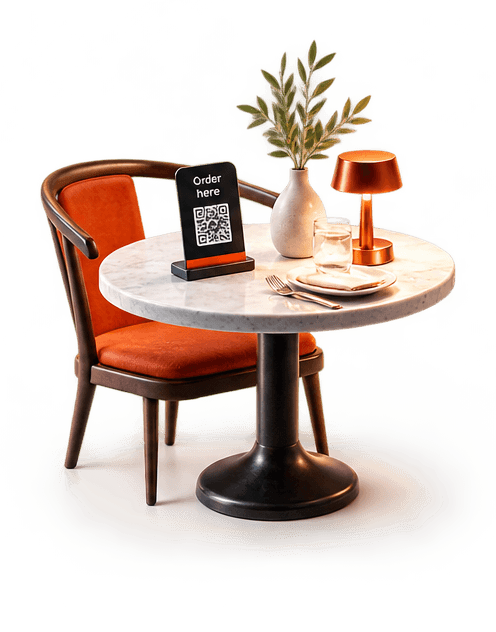
Illustration: a laid café table with an order-here stand, a glowing table lamp and an orange chair.

Serve guests faster

Take the order where the guest is and keep service moving.

  • Counter and tableside ordering
  • Clear kitchen handoff
  • Faster checkout and payment
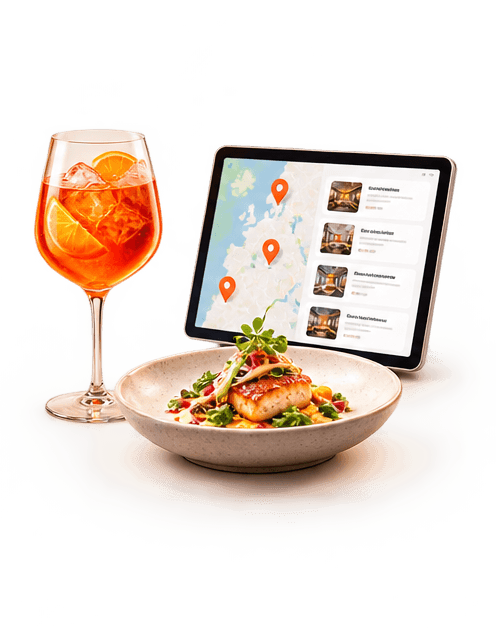
Illustration: a plated dish and a spritz beside a tablet showing venues highlighted on a map.

Run more efficiently

Keep orders, channels and connected tools working from one system.

  • Every service channel connected
  • Integrations in one workflow
  • See the operation in one place
One deep-green room, two Ordeer worlds: laid restaurant tables under pendant lights on the left, a till with card terminal, receipt printer and stocked retail shelving on the right.

Your EPOS, your way

Let's build yourOrdeer EPOS.

Start with the software. Add hardware, payments and support when you need them.

Let's build your
Ordeer EPOS.

Tell us a little about your business and how you'd like to use Ordeer, and we'll come back to you.

  • SoftwareFree forever
  • SupportOptional · £35 a month
  • HardwarePurchased separately